Español
 Português (Brasil)
 Français
 Deutsch
 Italiano
 Nederlands
 Polski
 Svenska
 Türkçe
 Русский
 日本語
日本語 한국어
한국어 简体中文
简体中文 Tiếng Việt
 Bahasa Indonesia
 繁體中文
繁體中文 Čeština
 Dansk
Dansk Suomi
Suomi Ελληνικά
 Română
 Magyar
 Українська
 ไทย
ไทย हिन्दी
 العربية
 עברית
עבריתHow to Exclude Microsoft Audience Network From Search Campaigns
Microsoft Advertising blends native placements into Search campaigns by default. Here's exactly where the exclusion setting lives, why advertisers use it, and when Audience Network is worth keeping as its own channel.


Microsoft Advertising bundles two different buys under one campaign: the Search Network (actual search results on Bing, plus syndicated search partners) and the Microsoft Audience Network (native placements across MSN, Microsoft Start, Outlook.com and a roster of third-party publisher sites). To exclude Audience Network traffic, open the campaign's Settings tab, expand Networks, and uncheck "Include Bing Audience Network" (older accounts may still label this the Search Partner Network toggle). The change is a campaign-level setting, takes effect on the next serving cycle, and needs no ad group or keyword edits.
That one checkbox is the fix most search-first advertisers are looking for. The rest of this covers why the setting exists, how to tell whether Audience Network traffic is actually hurting your numbers before you flip it off, and what a native placement inside Bing's ecosystem is actually worth if you decide to keep it as its own line item instead.
Search Network vs. Audience Network: what you're actually excluding#
Search campaigns in Microsoft Advertising serve on two structurally different surfaces, even though they share one campaign, one budget and one set of keywords.
Search Network traffic is a person typing a query into Bing (or a search partner) and getting your ad next to organic results. Intent is explicit: they told the search box what they want.
Microsoft Audience Network traffic is a person browsing MSN.com, reading a Microsoft Start article, or checking Outlook.com, and seeing your ad rendered as a native card: headline, image and brand name sitting inside a content feed. Nobody typed a query. The ad is served based on interest and contextual signals, the same mechanism content-recommendation networks like Taboola and Outbrain use, not the same mechanism as search.
Microsoft folds native reach into Search campaigns by default in most account setups, which is exactly why so many advertisers don't realize their "search" campaign has been serving native inventory all along. Checking the Networks column in your performance reports for a given campaign is the fastest way to see if this applies to you.
Why advertisers turn it off#
Three reasons come up over and over in accounts that pull the plug on Audience Network:
- Intent mismatch. Someone scrolling a news feed on MSN is not in the same buying moment as someone searching "buy [product] near me." For advertisers running tight last-click CPA targets, blended click-through and conversion rates from a browsing surface usually look worse than pure search, which drags down the campaign average and confuses optimization signals.
- Budget bleed. Audience Network inventory is cheap to fill and can absorb daily budget fast, especially on Max Clicks or Max Conversions bidding, because the auction dynamics on a native feed are different from a search results page. An advertiser watching daily spend can find a disproportionate share going to Audience impressions relative to what they'd choose if the two networks were split.
- Reporting clarity. When Search and Audience Network results are blended into one campaign's numbers, it's hard to tell whether a CPA change came from search demand shifting or from the native placement mix shifting. Separating them (or excluding Audience Network outright) makes the reporting legible again.
None of this means Audience Network traffic is bad. It means it behaves like a different channel and, in a blended campaign, its performance characteristics get averaged into your search numbers whether you wanted that or not.
Step-by-step: excluding it at campaign creation#
- Start a new Search campaign in Microsoft Advertising (not Performance Max or Audience-only).
- On the campaign settings screen, find the Networks section.
- Leave "Search Network" checked.
- Uncheck "Include Bing Audience Network" (labeled "Search Partner Network" in some older UI versions, and occasionally split into separate checkboxes for syndicated search partners vs. the native audience feed, depending on your account's UI version).
- Save. The campaign will now serve only on Bing search results and any checked search partners, with no native feed delivery.
Step-by-step: excluding it on an existing campaign#
- Open the campaign in question and go to Settings.
- Expand the Networks card.
- Uncheck the Audience Network box the same way you would at creation.
- Save changes. Delivery adjusts within the next serving cycle; there's no need to pause and relaunch the campaign.
If you manage many campaigns, Microsoft Advertising Editor lets you make this same change in bulk across a downloaded account, then upload it back, which is faster than clicking through each campaign in the web UI one at a time.
How to check whether Audience Network is already eating your budget#
Before you exclude it, it's worth a five-minute check to see if it matters for your account specifically:
- Open a Search campaign's performance report.
- Add the Network column (Bing / AOL / Syndicated search partners / Audience Network, depending on your account's breakout).
- Segment by network for the last 30 days.
- Compare CPA, CTR and conversion rate for Audience Network rows against pure Bing search rows.
If Audience Network's CPA is meaningfully worse and its share of spend is high, excluding it is a clean win. If its share of spend is small (a few percent), the setting isn't worth touching either way, and you can leave it as-is.
When keeping Audience Network actually makes sense#
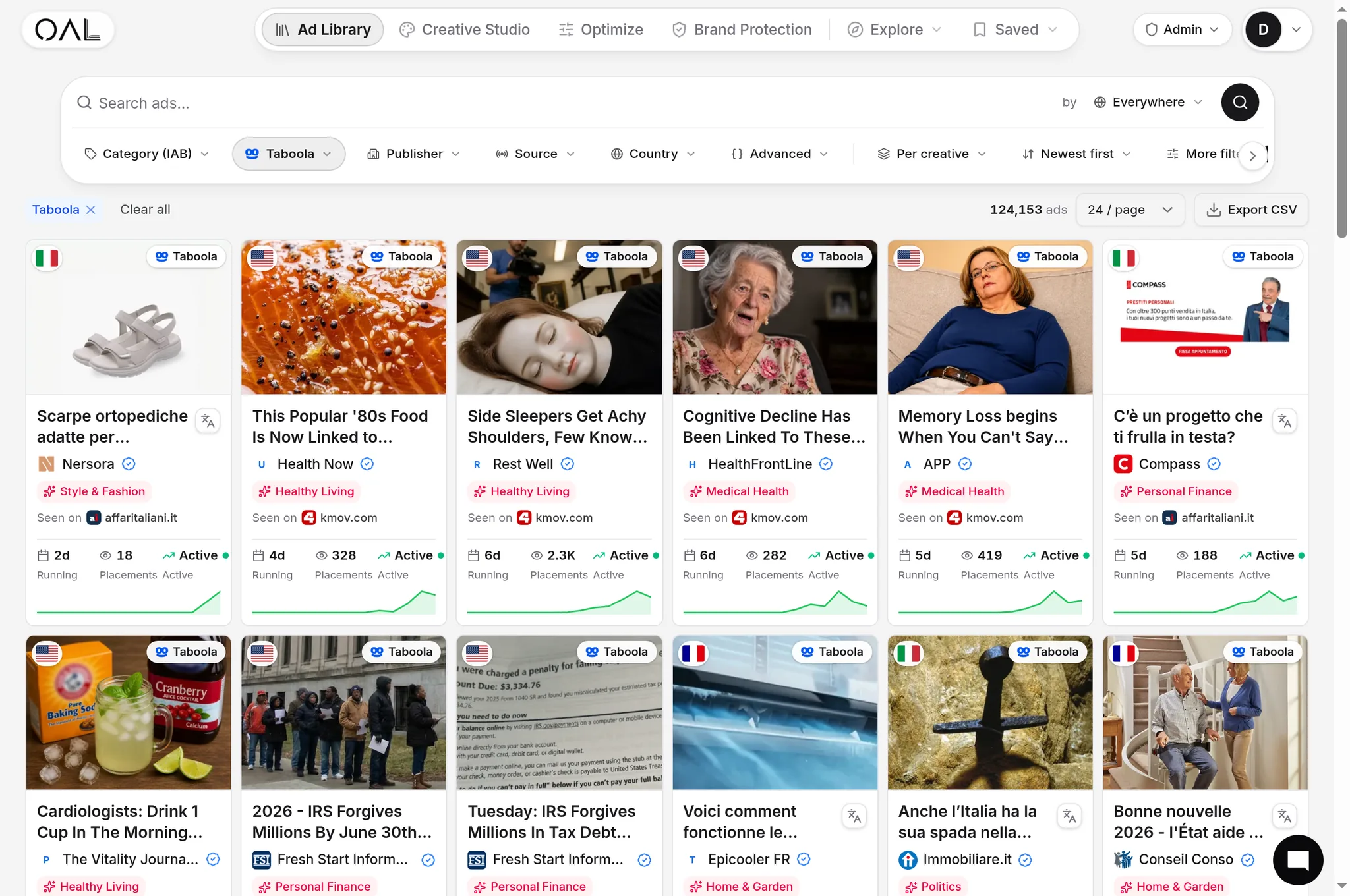
Excluding it isn't automatically the right call for every account. Native placements inside Microsoft's ecosystem are a legitimate reach channel in their own right, not a lesser version of search. In OpenAdLibrary's index, Microsoft's native surface (tracked as MSN) carries 281,839 live creatives as of June 2026, the second-largest single network behind Taboola in the entire 725,000+ creative corpus across 49 networks. That's a lot of advertisers deliberately choosing to run native ads on Microsoft's properties, not accidentally leaking budget into them.
If your goal includes upper-funnel awareness, retargeting a warm audience with a native creative, or testing new angles at a lower cost than search clicks typically carry, Audience Network is worth running as its own dedicated campaign, budgeted and bid separately from Search, rather than either blending it in or shutting it out entirely. Our MSN native ads guide covers how that native feed actually works, what formats it supports, and how advertisers commonly structure creative for it.
Common mistakes when splitting search and audience budgets#
- Turning off Audience Network without checking the data first. Some accounts see their best CPA blend include a modest, deliberate Audience Network allocation; killing it purely on principle can raise blended CPA.
- Running the same ad copy across both networks. Search ad copy is written to match a typed query; native feed creative needs a headline and image built for a scroll-past decision, closer to how you'd approach native advertising creative than search copy.
- Forgetting the change is campaign-level. You can't exclude Audience Network for one ad group and keep it for another within the same campaign; if you need both behaviors, you need two campaigns.
- Assuming exclusion is permanent. The checkbox can be flipped back at any time with no penalty to Quality Score or campaign history.
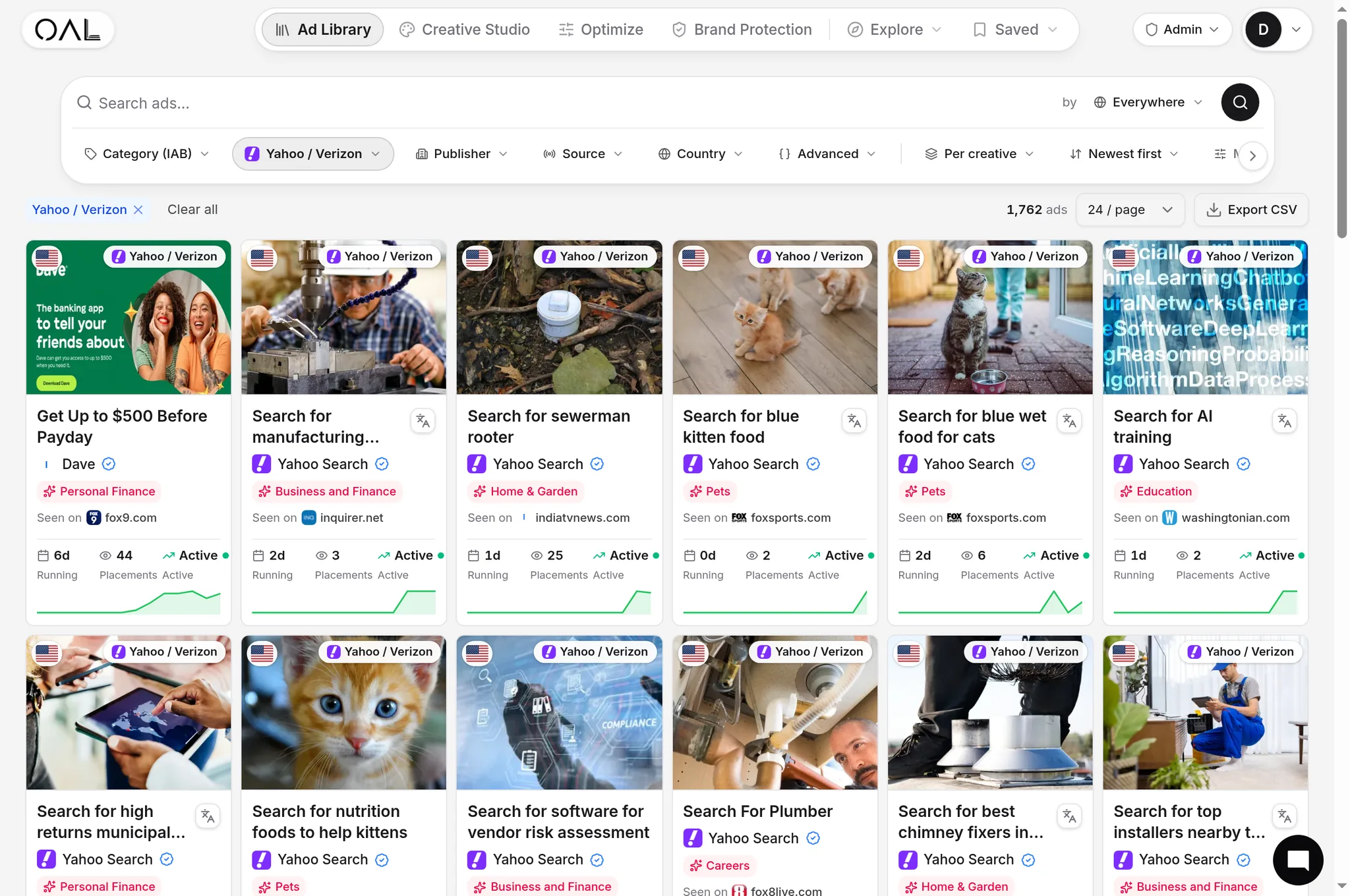
If part of your reason for excluding Audience Network is that you want to actually see what's running on Microsoft's native feed, rather than guess, you don't need your own ad account to look. OpenAdLibrary's native ad spy tool indexes live native creatives, including the Microsoft Audience Network, MSN's advertiser mix, longevity and verticals, independent of anything running in your own campaigns.
The bottom line#
Excluding Microsoft Audience Network from a Search campaign is a two-click fix once you know where the setting lives: Campaign Settings > Networks > uncheck Audience Network. Whether you should flip it depends on what the Network breakout in your own reporting shows, and on whether native reach on Microsoft's properties fits your funnel stage at all. Treating it as its own channel, measured on its own terms, tends to beat either blending it blindly into search or excluding it on reflex.