Español
 Português (Brasil)
 Français
 Deutsch
 Italiano
 Nederlands
 Polski
 Svenska
 Türkçe
 Русский
 日本語
日本語 한국어
한국어 简体中文
简体中文 Tiếng Việt
 Bahasa Indonesia
 繁體中文
繁體中文 Čeština
 Dansk
Dansk Norsk (bokmål)
 Suomi
Suomi Ελληνικά
 Română
 Magyar
 Українська
 ไทย
ไทย हिन्दी
 العربية
 עברית
עבריתCan Competitors Tell You're Watching Their Ads? (Mostly No, Here's Why)
A single visit to a competitor's ad or landing page won't identify you. Here's what actually shows up in their analytics, what does tip advertisers off, and how professional research tools avoid it.


Mostly, no. Visiting a competitor's ad or landing page does not identify you personally to them, the way it might feel like it should. What it can do is show up as an anomalous data point in their analytics (an unusual visitor pattern, a bounce with no conversion, traffic from an IP range or device fingerprint they don't recognize as a customer). Whether that gets noticed, and whether it can be traced back to you specifically, depends on how you're browsing and how sophisticated their setup is.
What a competitor's analytics can actually see#
Every landing page a competitor runs typically has analytics and a tracking pixel attached, plus a conversion pixel further down the funnel. From that stack, they can see: your IP address (which resolves to an ISP, city, and sometimes an organization name if you're on a corporate or hosting-provider connection), your device and browser fingerprint, referral source, and on-page behavior like scroll depth and time on page. What they cannot see, from a normal ad click or page visit, is your name, your employer, or the fact that "a competitor" looked at their ad, unless something in your traffic pattern gives that away.
The things that actually tip advertisers off#
- A corporate or hosting-provider IP address. If your company's outbound traffic resolves to a named organization in analytics (common with office networks and some VPNs), and that organization is a competitor, sharp advertisers do sometimes notice, especially if the same organization shows repeat visits with no purchases.
- Repeated visits with no conversion, from the same fingerprint. One visit is noise. Ten visits over two weeks from a browser fingerprint that never converts is a pattern basic analytics tools surface automatically.
- Filling out a lead form with real or obviously fake details. This is the fastest way to get flagged, and it can also trigger a phone call or retargeting campaign aimed squarely at you. Don't do it for research.
- Visiting via a link the advertiser control, with tracking parameters intact, such as clicking their retargeting ad or an email link, rather than reaching the landing page independently.
Why cloaking exists, and how it relates to this#
Some advertisers, particularly in gray-area verticals, run ad cloaking: showing one landing page to real prospective customers and a different, often blander or compliant-looking page to anyone who looks like a reviewer, a bot, an ad-network crawler, or a competitor's research IP. Cloaking is typically triggered by exactly the signals above (data-center IPs, known crawler user agents, geo mismatches) rather than by identifying a specific researcher. If you've ever landed on a page that looked suspiciously plain compared to the ad that led you there, that's likely what happened. We cover the mechanics in more depth in how ad cloaking works, including the signals that separate legitimate personalization from deliberate evasion.
Retargeting is a separate mechanism, and it does follow you#
There's one thing that does genuinely "notice" you, though not by identifying you as a competitor: retargeting. If you click a competitor's ad or land on their page, their tracking pixel can add your browser to a retargeting audience, and you may start seeing their ads again across other sites and networks for days or weeks afterward. This isn't them singling you out, it's the same mechanism that follows every visitor who doesn't convert. It can feel like you've been spotted, but it's automated and untargeted at the individual level. If this bothers you during research, browsing in a private window or clearing cookies between sessions stops it from accumulating.
Native ad networks add a geo layer to this#
On native networks specifically, the redirect chain from ad click to final landing page often passes through geo-targeting logic, since contextual targeting and geo targeting decide which creative and offer you see in the first place. If you're researching a US-targeted campaign from a non-US IP, you may simply never see the real ad at all, not because you were flagged, but because you fell outside the targeting rules. This is a much more common reason for "I couldn't reproduce what someone else saw" than any kind of individual detection, and it's why cross-geo research usually requires browsing from within the target geo rather than trying to trick a system that's simply following its targeting configuration.
How professional research tooling handles this#
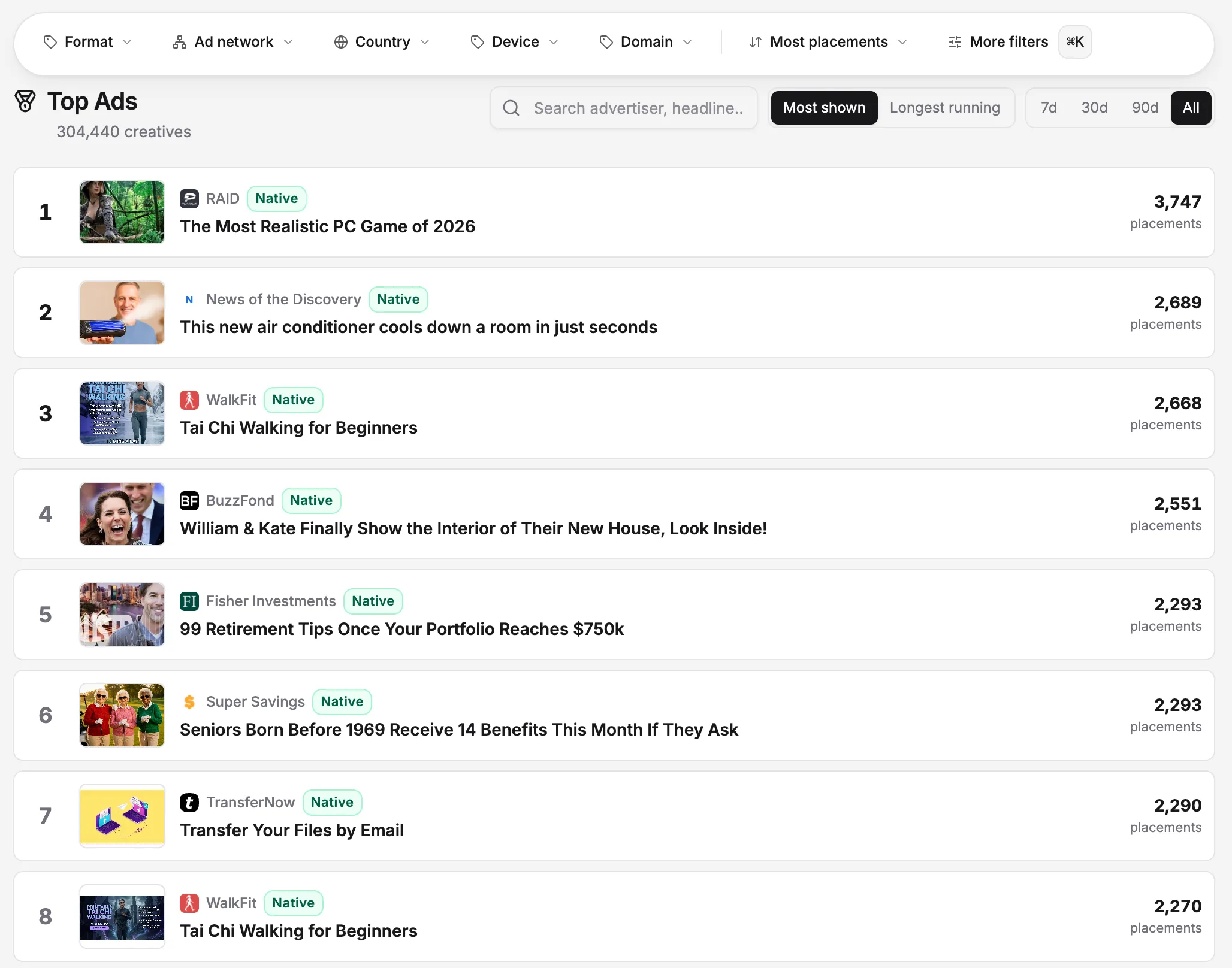
Serious ad-intelligence platforms don't browse from an office IP or a personal residential connection when capturing ads at scale, for the same reason a mystery shopper doesn't wear a name badge. Using a spread of rotating, geographically distributed IPs that resemble ordinary consumer traffic keeps the capture itself from becoming the anomaly that trips an advertiser's fraud or cloaking filters, and it means the ad and landing page you see are the same one a real prospect in that geo would see, not a sanitized version served to a suspected researcher. OpenAdLibrary's ad intelligence platform is built around this kind of capture across 49 networks, precisely so the creative and redirect chain you're looking at reflect what's actually live, not a cloaked substitute.
What server logs show that dashboard analytics don't#
Most of the discussion above assumes the advertiser is looking at a standard analytics dashboard, which aggregates and anonymizes a lot of what's technically available. Raw server logs, if anyone actually reads them, carry more: full IP addresses, exact timestamps, user-agent strings, and request headers for every single hit, not just conversions. In practice, almost nobody manually reviews raw logs for a native or affiliate landing page; it's not worth the analyst time for most campaigns. Where it does get reviewed is fraud investigation, when an advertiser sees a spike in clicks with no matching conversions and pulls logs to figure out why. If your research involves clicking an ad repeatedly rather than viewing a captured copy, that's the scenario most likely to put your traffic under a microscope, and it has nothing to do with anyone recognizing you as a competitor specifically.
Practical steps if you're researching manually#
If you're checking competitor ads yourself rather than through a platform, a few habits keep your research invisible without doing anything deceptive:
| Do | Avoid |
|---|---|
| Browse from a residential or mobile connection | Browsing from an obvious office or data-center IP |
| Look, screenshot, and leave | Filling out lead forms or entering real contact details |
| Vary the times and days you check | Checking the same ad from the same IP daily for weeks |
| Use a private or fresh browser session | Staying logged into your own company's tools while browsing |
None of this is about hiding anything unethical. You're allowed to look at public ads, and it's routine industry practice; see our overview of whether spying on competitor ads is legal for the boundaries that do matter, mainly around scraping methods and impersonation, not around simply viewing what's publicly served.
The bigger picture: this rarely matters as much as it feels like it does#
Most advertisers are optimizing for conversion rate and cost per click, not watching their analytics for a rival's fingerprint. Unless you're triggering a lead form, staying logged into a recognizable corporate network, or hitting the same page from the same IP daily, you're statistical noise in their dashboard, not a flagged event. The bigger practical risk isn't detection, it's ad cloaking or copycat landing pages quietly showing you something other than what real traffic sees, which is a data-quality problem for your research, not a privacy problem for them.
Bringing it back to what you're actually trying to learn#
The underlying goal in almost every case is the same: see the real ad, the real landing page, and the real offer, across whatever geo and device the advertiser is actually targeting, without the version you see being altered because of how you got there. That's a data-integrity problem, not a stealth problem, and it's worth treating it that way. Chasing anonymity for its own sake tends to distract from the actual research question, which is usually "what is this competitor's angle, and is it working," not "did they notice me." Answer the second question by staying unremarkable (residential connection, no repeated manual clicks, no form fills), and spend the rest of your attention on the first one.