 Español
 Português (Brasil)
 Français
 Deutsch
 Italiano
 Nederlands
 Polski
 Svenska
 Türkçe
 Русский
 日本語
日本語 한국어
한국어 简体中文
简体中文 Tiếng Việt
 Bahasa Indonesia
 繁體中文
繁體中文 Čeština
 Dansk
Dansk Norsk (bokmål)
 Suomi
Suomi Ελληνικά
 Română
 Magyar
 Українська
 ไทย
ไทย हिन्दी
 العربية
 עברית
עבריתHow Ad Spy Tools Capture Native Ads (Supply Chain Explained)
The best native ad spy tools don't screenshot pages; they read the same JSON feed the widget calls, store the full-quality creative, and trace the click to the landing page without ever spending an advertiser's budget. Here's exactly how.

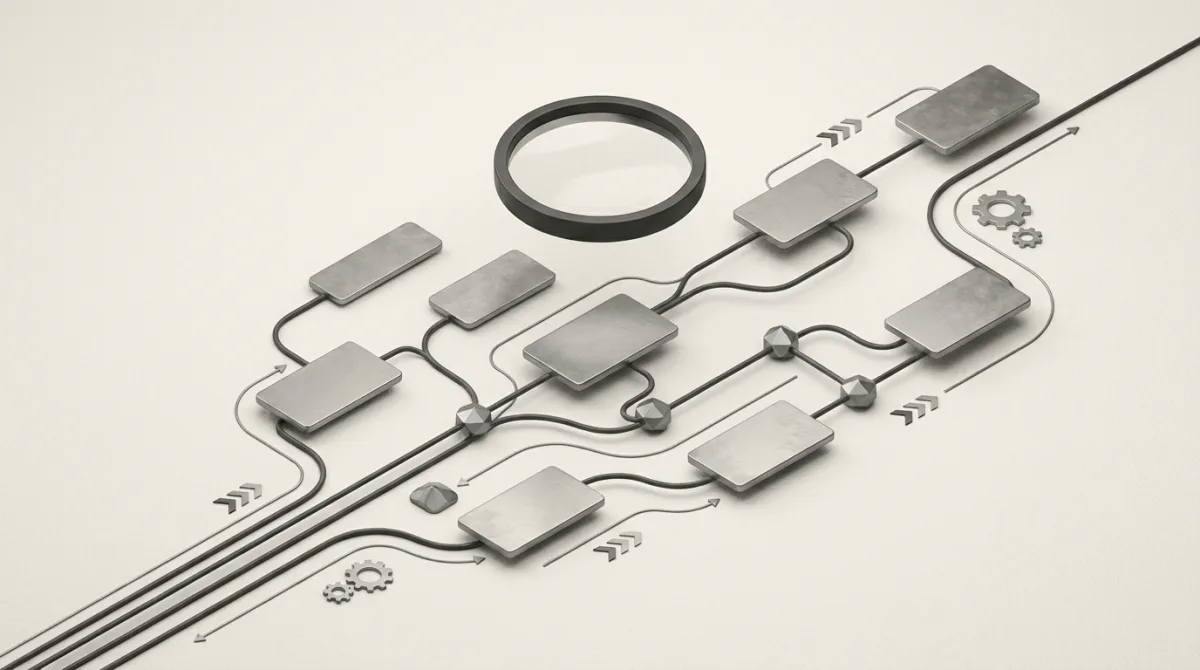
Picture an ad spy tool and most people imagine a robot that loads web pages and screenshots the ads it finds. That picture is wrong, and the gap is the whole story. A screenshot only captures what one browser session was handed at one moment, in one country. That is a tiny, biased slice of a feed that rotates thousands of times a day and personalizes for every visitor.
The tools that build reliable native-ad datasets work a layer below the pixels. They speak the same machine-to-machine language a publisher's widget uses to fetch its ads, and they rebuild the entire path from the slot on the page to the advertiser's landing page. This piece walks that path end to end, and it leans on the actual architecture OpenAdLibrary runs to do it at scale: 589,036 creatives, 25,933 advertisers, and 5.4 million ad observations across 42 networks (OpenAdLibrary index, June 2026).
If you want to know what is under the hood of a native ad spy tool before you trust its data, this is for you.
How do ad spy tools capture native ads?#
Ad spy tools capture native ads by calling the same recommendation API that fills a publisher's widget, then reading the advertiser, headline, image, and click URL straight from the JSON response. They store the creative at full quality, resolve the click URL out-of-band to reach the landing page, and parse the redirect chain to label every intermediary in the supply chain. No live ad ever gets clicked.
That is the whole game in one paragraph. The rest unpacks each step, why the obvious approaches fail, and what separates a thin dataset from a deep one. For the conceptual primer first, start with what a native ad spy tool actually is and how it differs from social-ad libraries.
The native ad supply chain, hop by hop#
You can't capture something you don't understand. A native ad is not a static image dropped into a page. It is the visible tip of a supply chain with several moving parts. Here is the path a single Taboola or Outbrain unit travels:
- The publisher page loads a native ad widget. That is the "Around the Web" or "You May Like" box. At first paint it is mostly an empty container.
- The widget script calls a recommendation endpoint. This is a JSON API on the demand platform's domain. It passes the publisher ID, the slot, the user's approximate geo, and device signals.
- The demand platform runs an auction. In programmatic native, advertisers bid for that impression in milliseconds, and the winners come back in the response.
- The response returns the ads as structured data. Each item carries a title, a thumbnail image URL, a branding or advertiser name, and a click-tracking URL.
- The click URL is a redirect, not a destination. Click it and you bounce through one or more tracker and exchange domains before you reach the advertiser's real page, which is frequently a pre-lander or advertorial rather than a product page.
The single most useful realization in native ad intelligence: the ad data you want already arrives as clean JSON before a single pixel is painted. Screenshotting the rendered widget is reverse-engineering something you could have just read.
Every step is a capture opportunity and a classification problem at the same time. Steps 2 and 4 hand you the creative and the advertiser. Step 5 hands you the supply chain and the landing page. Tools differ wildly in how many of these they actually use.
API-only harvesting vs browser screenshotting#
There are two fundamentally different ways to harvest native ads, and the choice cascades into cost, coverage, and data quality.
| Approach | How it works | Coverage | Cost to run | Creative quality |
|---|---|---|---|---|
| Browser screenshot | Headless browser loads pages, renders widgets, captures pixels | Low: one rotation per render | High: full Chromium per page | Lossy, cropped to viewport |
| API-only harvest | Requests the recommendation feed directly, reads JSON | High: many rotations, geos, personas | Low: no browser needed | Original asset, full resolution |
The browser route is the obvious one, and plenty of legacy tools started there. It is also expensive and shallow. Spinning up real Chromium for every page is heavy, slow, and easy to fingerprint and block. Worse, a render only ever shows you the few ads served to that one session. You are sampling a slot that personalizes and rotates thousands of times a day and calling it a dataset.
The API-only route is what OpenAdLibrary's native harvester runs on. Instead of rendering pages, it requests the same recommendation feeds the widgets call, across many geographies and rotating device and identity personas, and reads the ads directly. In practice that is roughly an order of magnitude cheaper per ad than driving a browser, which is exactly why it can run continuously and catch far more of the rotation. No browser also means no clicking live ads. The data comes off the feed, not off a rendered impression.
That difference shows up in the numbers. On Taboola alone the index holds 157,727 creatives, and on Outbrain 84,252 (OpenAdLibrary, June 2026). You do not get to six figures per network by screenshotting pages one at a time. Here is a live Taboola finance ad pulled straight from the feed, not a render:

This is the difference between a tool that shows you a handful of a competitor's ads and one that shows you the full spread. For affiliates and media buyers, the spread is the whole point. See how affiliate marketers use native spy tools to find rotations worth modelling.
Capturing the creative at full quality#
Once the feed is parsed, the creative image URL points to the advertiser's original asset on a CDN. A good harvester fetches that asset directly and stores it at native resolution instead of keeping a downscaled screenshot crop.
Why it matters in practice:
- Reverse image search and dedup only work on the original asset. Cropped screenshots break perceptual hashing and bloat your dataset with near-duplicates.
- Creative analysis needs the real pixels. The hook, the face, the text overlay, the color treatment. You cannot study what made a winner win from a thumbnail.
- Cross-network asset reuse detection depends on the source file. Matching the same image running on Taboola, MGID, and Revcontent at once is only reliable when you hold the original.
Storing the original also means the creative survives after the campaign ends and the CDN URL 404s, which is most of why an ad library has value at all. Across the index, OpenAdLibrary has held onto 926,259 landing-page captures tied to those creatives. The campaign dies; the record does not.
The health vertical is where this pays off hardest, because the creatives are aggressive and they recycle constantly. Health is the third-largest vertical in the index at 14,895 creatives, behind finance (17,232) and insurance (15,629). Here is one running on Taboola for 26 days straight:

Following the click to the landing page (without clicking)#
This is the step most tools skip, and it is where the real intelligence lives. The click URL in the feed is a tracking redirect. The destination behind it, the landing page or pre-lander and the advertiser whose domain it sits on, answers the only question that matters: who is actually running this, and where are they sending traffic?
The naive approach is to fire the click in a browser. That can register as a billable click on a live impression and burn budget you do not own. Not acceptable. The correct approach is to resolve the redirect chain out-of-band: replay the hops server-side, usually from a clean residential exit in the relevant geo, to retrieve the final URL and capture the landing page itself, without ever triggering a live billable click.
Done well, this surfaces three things at once:
- The real advertiser behind a generic-looking branding name in the feed.
- The pre-lander or advertorial, the bridge page native buyers rely on, which never appears in the widget.
- The geo-gated destination. The same ad often routes to different landers by country, and only a multi-geo resolver catches that. The example below is geo-targeted at Australia, which you would miss entirely capturing from a US exit:

OpenAdLibrary traces each click to its landing page this way and stores the destination next to the creative, so a creative is never an orphaned image. It is tied to the advertiser and the funnel it feeds.
Classifying the ad-tech supply chain#
Capturing the hops is one thing. Making them legible is another. Between the widget and the lander, a single ad can pass through a demand platform, an exchange, several tracker domains, and a redirect service. Classification is the work of parsing that chain and labelling each node.
A capable system keeps a dynamic registry of known networks, trackers, and redirect domains, then matches each hop against it to answer:
- Which demand platform served the ad (Taboola, Outbrain, MGID, Revcontent, MediaGo, Yahoo, Microsoft Audience Network)?
- Which trackers and exchanges sit in the redirect chain?
- Who is the end advertiser, normalized across the many branding aliases the same buyer hides behind?
Hard-coding tracker lists is a losing game. The domains rotate constantly, so it turns into whack-a-mole. A registry that updates as new patterns appear is the only approach that holds up. Get the supply chain right and you can answer questions a flat ad list never can: which advertisers concentrate on which networks, which trackers signal a particular affiliate stack, which redirect services correlate with the most aggressive offers.
The pattern is visible in the data. Both Taboola and Outbrain are dominated by the same three verticals, but the order flips. On Taboola the lead is health (6,048 creatives), then finance (5,558) and insurance (4,303). On Outbrain finance leads (2,640), then insurance (2,615), then health (2,016) (OpenAdLibrary, June 2026). That kind of per-network advertiser concentration is exactly what supply-chain classification exists to expose.
If the terminology is new, the glossary entry on the ad supply chain lays out the roles, and programmatic native advertising explains the auction that decides which ads you capture in the first place.
Coverage, geo, and personas: why one capture isn't enough#
A native slot is personalized. The ads it serves depend on geo, device, time of day, and inferred interest. So a single capture, from one IP, one device profile, one moment, is a biased sample of a much larger rotation.
Serious harvesting treats this as a sampling problem:
- Geo rotation. The same widget on the same publisher serves different advertisers in the US, UK, AU, and DE. One geo gives you one slice.
- Device and identity rotation. Desktop, Android, and iOS sessions, plus rotated personas, surface different demand and different creative formats.
- Cadence. Rotations turn over throughout the day, so capture has to be continuous, not a one-off crawl.
This is also why longevity and spread are the most honest winner signals available without inside data. You cannot see a competitor's spend, but you can see how long a creative has run and how widely it has spread across publishers, geos, and networks. Right now the longest continuously observed creatives in the index sit at 28 days of unbroken observation. SmartAsset has been running "Ask a Pro: How Can I Avoid Paying Taxes on IRA Withdrawals?" on Outbrain for all 28 of them:

Worth being precise here: 28 days is the span of our observation window, not a claim that the creative has run for exactly 28 days and no more. The industry lore about 90-day winners is a separate thing, useful as a rule of thumb but not something our index measures. What we can stand behind is the observed run: an ad that has been live across dozens of placements for weeks is telling you something a spend number cannot.
What this means for the data you actually get#
Pull the threads together and the harvesting method directly decides what you can do with the output.
| Capability | Needs feed-level capture? | Needs click-trace? | Needs supply-chain classification? |
|---|---|---|---|
| See a creative ran at all | Yes | No | No |
| Identify the real advertiser | Partly | Yes | Yes |
| Find the landing page or pre-lander | No | Yes | No |
| Detect cross-network asset reuse | Yes | No | Yes |
| Rank winners by longevity and spread | Yes | No | No |
A tool that only screenshots gives you the first row. A tool that harvests feeds, traces clicks, and classifies the supply chain gives you all of them. That is the difference between a curiosity and a research instrument. On top of clean capture, OpenAdLibrary layers tooling that uses it: Creative Studio to remix what works, Optimize to act on it, Copy DNA to break down the angle, plus a full API and MCP so you can pull the data into your own stack.
The transparency tailwind#
For anyone weighing the legitimacy of all this, the regulatory direction of travel is toward more public ad data, not less. The EU's Digital Services Act now requires very large platforms (Meta, TikTok, Google, and similar) to maintain public, queryable ad repositories listing the advertiser, the payer, and the run dates for each ad. Native discovery widgets are not covered by that mandate, but the principle is established: ads served to the public are increasingly treated as public information. Tools that capture only public ads, and never click live units in a billable way, sit comfortably inside that trend. (General context, not legal advice. Check each platform's terms for your specific use.)
The bottom line#
Stripped to essentials, here is how the good ad spy tools work. They read the recommendation feed instead of screenshotting the page. They store the original creative instead of a crop. They resolve the click out-of-band to reach the landing page instead of firing a billable click. And they classify every hop in the supply chain instead of leaving you a flat list. Coverage comes from rotating geos, devices, and personas continuously, and the most trustworthy winner signal is longevity and spread.
When you compare vendors, those are the questions to ask. Our tested, ranked breakdown of the best native ad spy tools scores each one on exactly these axes. If budget is the constraint, there is also a guide to running native ad research for free.
OpenAdLibrary built its native harvester on every principle above: API-only capture, full-quality creatives, click-traced landing pages, and a live supply-chain registry. It is open and affordable rather than $80 to $400 a month. Start free and browse 200 ads, no credit card required.