Español
 Português (Brasil)
 Français
 Deutsch
 Italiano
 Nederlands
 Polski
 Türkçe
 Русский
 日本語
日本語 한국어
한국어 简体中文
简体中文 Tiếng Việt
 Bahasa Indonesia
 繁體中文
繁體中文 Čeština
 Dansk
Dansk Norsk (bokmål)
 Suomi
Suomi Ελληνικά
 Română
 Magyar
 Українська
 ไทย
ไทย हिन्दी
 العربية
 עברית
עבריתHow to See Competitors' Google Ads (Transparency Center Guide)
Google's Ads Transparency Center is the free, official way to see a competitor's Google ads. Here's how to search it properly, and the entire ad category it doesn't cover at all.


The official way to see a competitor's Google ads is Google's Ads Transparency Center (adstransparency.google.com): search the advertiser's name or domain, and it lists the text, image and video ads currently or recently served under that account, along with the geographies they targeted. No login is required and it's free, but it shows creative only, never spend, impressions, keywords or exact date ranges.
That single free tool covers most of what "see competitor Google ads" is really asking for. The rest of this covers how to search it properly, what it deliberately withholds, and where to look when the ad in question isn't a Google Search or Display ad at all.
Using the Google Ads Transparency Center#
- Go to adstransparency.google.com.
- Search by advertiser name, or paste a domain if you know it.
- Select the correct advertiser from the results (large brands often have multiple verified advertiser IDs, one per region or subsidiary).
- Browse the ad list, filterable by format (text, image, video) and, in supported regions, by the country the ad ran in.
- Click into an individual ad to see the exact creative and the date range it was observed serving.
This covers Search ads, Display ads, YouTube ads and Shopping ads run through Google Ads, as long as the advertiser has a verified account, which is required for anyone running political or otherwise regulated ad categories, and increasingly common for standard commercial accounts too.
What the tool shows and what it deliberately hides#
What it shows: the ad creative itself (copy, image, video), the advertiser's verified name, the countries the ad targeted, and a rough serving date range.
What it does not show: spend, impressions, click-through rate, the specific keywords or audiences targeted, bid strategy, or landing page performance. Google's Ads Transparency Center was built primarily for election-ad accountability and general public transparency, not competitive intelligence, so the data it exposes stops well short of anything you'd need to reverse-engineer a competitor's actual campaign strategy or budget.
That gap is worth being clear-eyed about before you rely on it for competitive research: you'll see what they're saying, not how much they're spending to say it or who they're targeting with it.
What it won't show you: native and content-recommendation ads#
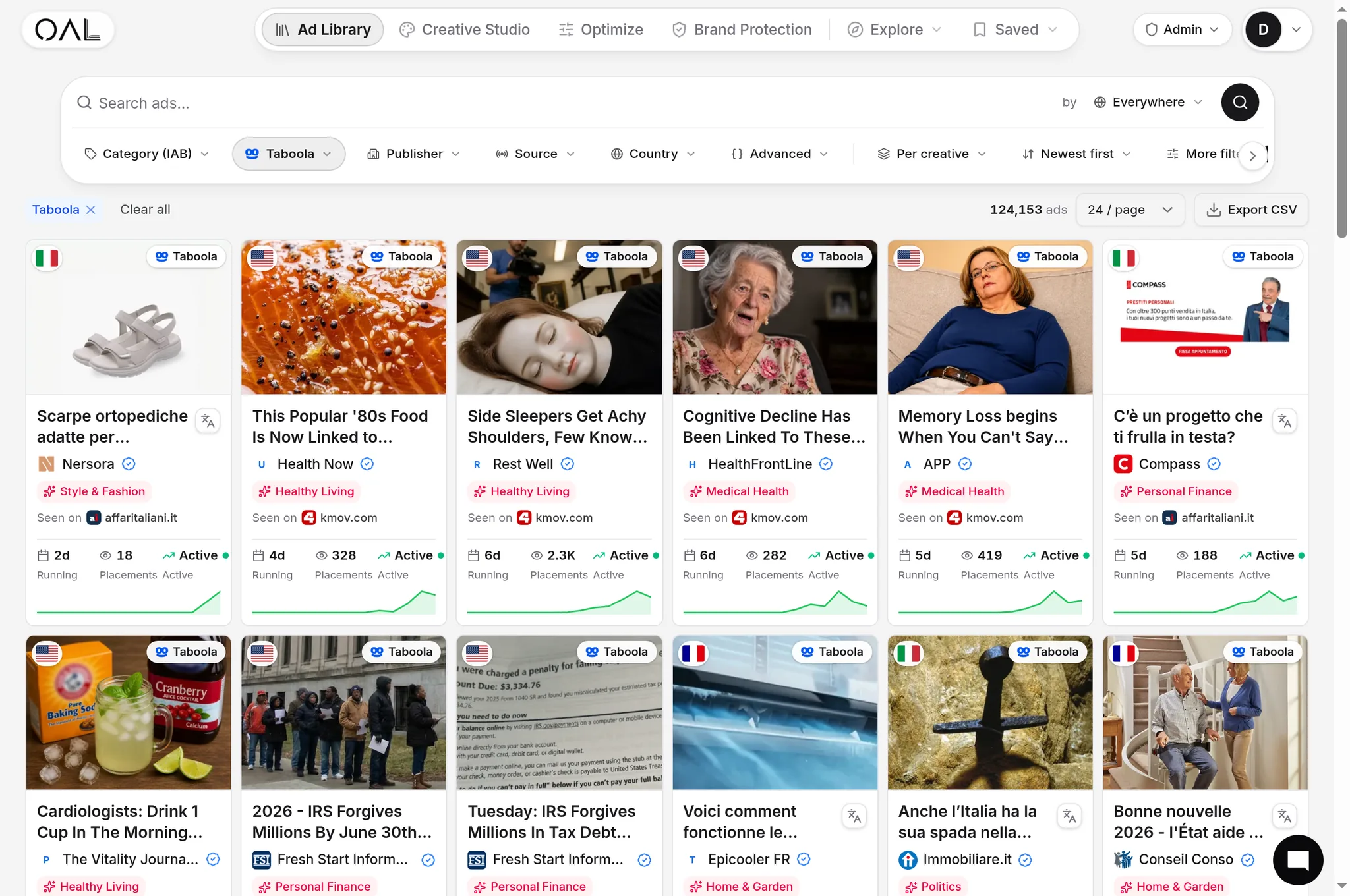
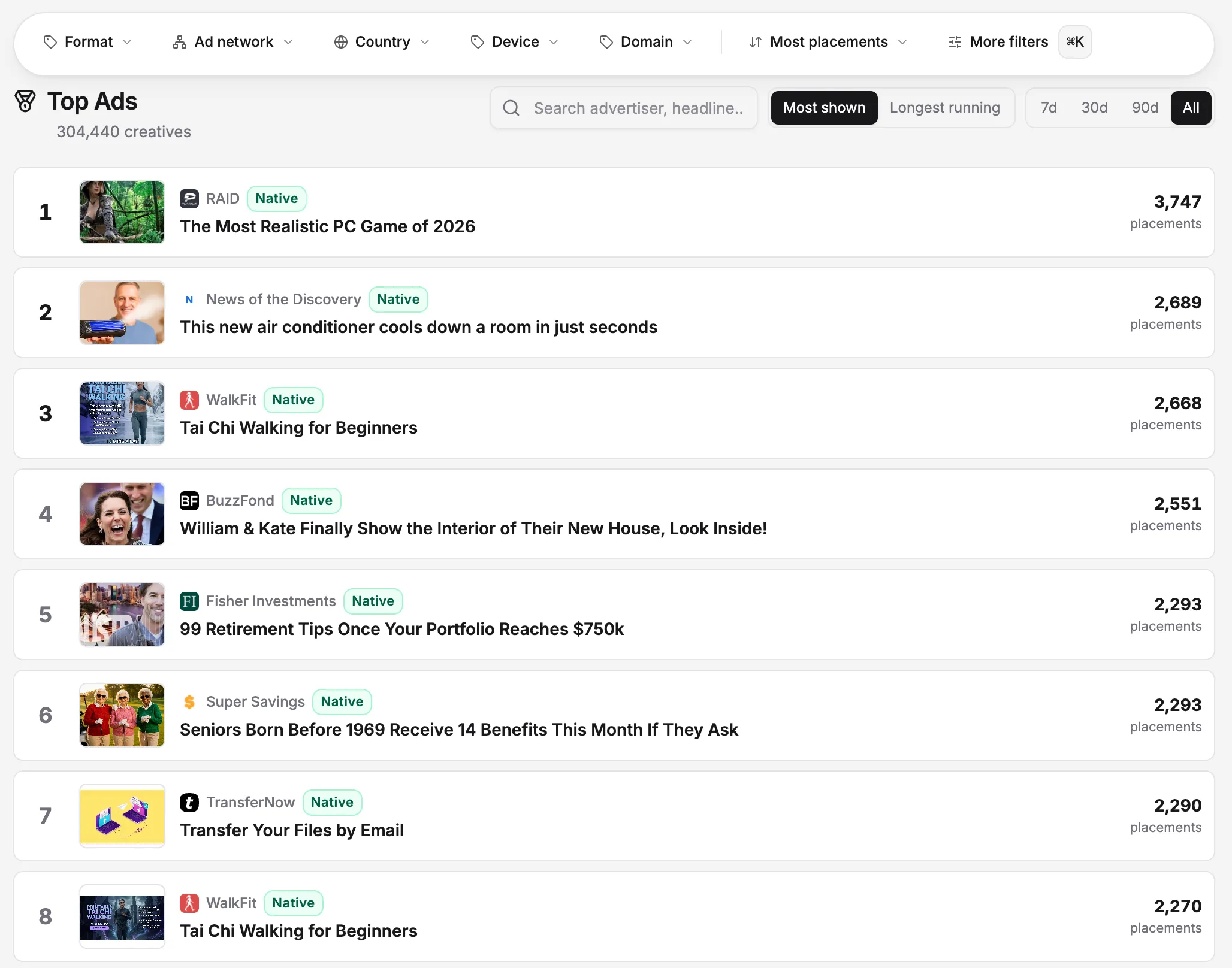
Google's tool only covers Google Ads inventory. If a competitor is also running native, content-recommendation-style ads (the widgets that look like "you might also like" article recommendations at the bottom of publisher pages), those run through entirely separate networks like Taboola, Outbrain or MGID, none of which have an official public ad library the way Google, Meta and TikTok do. That's a real gap in most brands' competitive research, since native spend and search spend are usually planned by different teams with different tools.
For that side of a competitor's advertising, our guide on how to spy on competitor native ads covers the independent indexes that fill the gap Google's own tool leaves. OpenAdLibrary's ad intelligence platform tracks live creative across 49 native networks specifically, the same category of ad Google's Transparency Center doesn't cover at all.
Why the Ads Transparency Center exists at all#
It helps to know the origin, because it explains the design choices. Google built the tool primarily in response to scrutiny over political and issue-based advertising, and expanded it further under pressure from regulation like the EU's Digital Services Act, which requires very large online platforms to maintain public ad repositories. That history is why political and social-issue ads get richer disclosure (spend ranges, impression ranges, demographic breakdowns) than ordinary commercial ads: the regulatory and public-interest case for disclosure is strongest there, while a Search ad for running shoes was never the target of the underlying pressure that created the tool.
That context matters for expectations. The Transparency Center was never designed as a competitive intelligence product, even though it's genuinely useful for that purpose within its limits. Third-party ad intelligence tools exist precisely because businesses need the layer of data (spend estimates, targeting inference, longevity tracking) that a transparency-focused public tool was never built to provide.
Checking for ads outside standard Search results#
A competitor's Google presence doesn't stop at text ads next to organic results. Shopping ads, YouTube pre-roll and in-stream ads, and Display ads running across the Google Display Network all show up in the same Ads Transparency Center search, filterable by format. If you're only checking the default view, it's easy to miss that a competitor is running heavy YouTube video creative while assuming, incorrectly, that their whole Google budget goes to Search text ads. Filtering by format before drawing conclusions about where their budget likely concentrates is a small step that changes the read significantly.
A practical workflow for checking a competitor's Google ads#
- Search their brand name first, then their domain, in case they run ads under a holding company or agency-managed account name different from their consumer-facing brand.
- Check every regional advertiser ID if they operate in multiple countries; large advertisers frequently split verified accounts by market.
- Note the ad formats present. If you only see Display and Shopping ads and no Search text ads, that tells you something about where they're likely allocating budget, even without spend numbers.
- Screenshot or archive anything relevant, since the tool's date ranges are approximate and older ads can drop out of the visible list over time.
- Cross-reference against what you can see organically, like whether they rank for the same keywords you'd expect them to be bidding on, to sanity-check whether the Transparency Center listing looks complete.
Handling advertisers who use multiple domains or brand names#
A common wrinkle: many advertisers, especially performance-focused ones, run offers through several domains or brand names simultaneously, sometimes deliberately to test different landers against the same core product, sometimes because the advertiser is actually an affiliate network running many sub-brands. If a search for a competitor's obvious brand name returns fewer ads than you'd expect given how much you know they're spending, it's worth checking whether they operate under a secondary domain or a DBA name for that specific campaign. This is a much bigger issue in native advertising, where a single affiliate offer can run under a dozen different advertorial brand names at once; our piece on copycat landing pages covers the more adversarial end of this pattern, where brand names are cloned deliberately rather than just varied for testing.
Is this legal?#
Yes. Google built the Ads Transparency Center specifically to be publicly searchable, no account or login required, and using it to research a competitor's advertising is exactly the intended use case. The same is true of equivalent tools for other channels; our broader piece on whether spying on competitor ads is legal covers the handful of situations (scraping past rate limits, misrepresenting yourself to access gated data) where competitive research actually crosses a line, and viewing a public transparency tool isn't one of them.
Beyond Google: building a full picture#
A competitor's Google ads are one channel in a broader mix that increasingly includes native, social and display running in parallel. If you're building a repeatable process rather than a one-off check, our framework for competitor ad analysis covers how to structure research across channels so you're not just capturing a snapshot of Google Search ads and calling the picture complete. And if you want ongoing visibility rather than a manual check every time, how to build a competitor watchlist covers setting up recurring monitoring instead of one-off lookups.
The bottom line#
Google's Ads Transparency Center is the correct, free, official starting point for seeing a competitor's Google ads: search their name, browse the creative, note the format and geo spread. It won't give you spend or targeting data, and it won't show you anything running outside Google's own inventory, including the entire native/content-recommendation category most competitors also advertise in. For that piece, you need a tool built specifically to track native ad networks, which is a genuinely separate research step most competitor audits skip.