Español
 Português (Brasil)
 Français
 Deutsch
 Italiano
 Nederlands
 Polski
 Svenska
 Türkçe
 Русский
 日本語
日本語 한국어
한국어 简体中文
简体中文 Tiếng Việt
 Bahasa Indonesia
 繁體中文
繁體中文 Čeština
 Dansk
Dansk Norsk (bokmål)
 Suomi
Suomi Ελληνικά
 Română
 Magyar
 Українська
 ไทย
ไทย हिन्दी
 العربية
 עברית
עבריתOutbrain Ad Specs: Images, Headlines & Formats Cheat Sheet
A working reference for Outbrain's image ratio, headline length, ad formats, and the moderation rules that decide whether a creative gets approved or rejected.

Outbrain's core native ad unit needs an image, a headline, and a destination URL, with the practical sweet spot being a 1200x800px (3:2 ratio) image and a headline under roughly 65 characters so it does not truncate in the recommendation widget on mobile. Exact pixel minimums and character limits shift over time as Outbrain's dashboard (now operating under Teads) updates its upload validation, so treat the numbers below as the stable, broadly-true defaults and confirm current limits in your account before a big creative push.
This is the reference sheet media buyers actually want when building creative for Outbrain's self-serve Amplify platform: image specs, headline guidance, the formats beyond standard native, and the moderation rules that get creatives rejected.
Image specs#
| Spec | Guidance |
|---|---|
| Aspect ratio | 3:2 (landscape) is the standard native thumbnail ratio |
| Recommended resolution | Roughly 1200x800px or higher, to hold up sharply across device sizes |
| File format | JPG or PNG; check current documentation for any newer supported formats |
| File size | Keep well under the platform's stated cap; oversized files slow moderation and page load |
| Text on image | Minimal to none; heavy text overlays historically draw stricter moderation scrutiny on native networks |
Native thumbnails render small, often at a fraction of the size a display banner gets, so the image has to communicate its hook almost instantly. A cluttered, low-contrast image reads as noise in a feed full of publisher thumbnails; a single clear subject with obvious visual contrast against the surrounding editorial content tends to earn far more attention. For a deeper look at what separates a high-performing native image from a forgettable one, see our guide on native ad creative best practices.
Headline specs#
Outbrain headlines are short by design, generally capped somewhere around 65 characters, though the exact ceiling has moved over the platform's history and varies slightly by placement. A few practical rules that hold regardless of the exact character count:
- Front-load the hook. Feed placements truncate on mobile more aggressively than desktop; put the curiosity element in the first half of the headline, not the back half.
- Avoid ALL CAPS and excessive punctuation. Native networks moderate for clickbait-style formatting more aggressively than they did a few years ago, and headlines that read as spammy get rejected or throttled even when the underlying offer is legitimate.
- Test multiple headlines per image, not just multiple images. The headline usually moves click-through rate more than the image does, since it carries the specific curiosity gap or claim.
Our guide to native ad headlines that get clicks breaks down twelve proven formula patterns with live examples if you need a starting framework rather than writing from scratch. One habit worth building early: write five to eight headline variants per image before launch, not two or three. Native creative testing is cheap relative to display or video production, and the winning headline in a batch is rarely the one that felt strongest in the brief meeting.
Formats beyond standard native#
The classic headline-and-thumbnail widget is the default, but Outbrain's format menu widened after the 2025 Teads merger:
| Format | What it is | Typical use case |
|---|---|---|
| Standard native | Headline + thumbnail image in the recommendation widget | Most performance and content campaigns |
| App-install native | Native unit optimized toward app download events | Mobile app user acquisition |
| Lead-gen native | Native unit tied to a lead-form conversion event | B2B and insurance-style lead offers |
| Outstream video | Auto-playing video inside article body content | Awareness and branding, inherited from the Teads side of the business |
| CTV | Connected-TV inventory | Full-funnel campaigns bundled through the Teads platform |
Most independent media buyers and affiliates run standard native almost exclusively; the video and CTV formats sit closer to brand-budget territory and typically involve a different buying relationship than pure self-serve Amplify.
Landing page and destination requirements#
The image and headline are only half the spec sheet. Outbrain also reviews your destination page for a few consistent things:
- Content match. The landing page needs to plausibly deliver on what the headline and image promised. A widening gap between ad claim and landing content is one of the fastest ways to get a campaign paused during moderation review.
- Disclosure requirements. If your landing page runs as an advertorial, styled to look like editorial content, disclosure rules apply. Our breakdown of FTC disclosure rules for advertorials and native ads covers what regulators expect regardless of which native network you are running through.
- Page load and mobile experience. A slow-loading or broken mobile landing page hurts both your moderation approval odds and your actual conversion rate, since the majority of native traffic arrives on mobile devices.
- Prohibited content categories. Health, finance, and supplement offers draw the heaviest scrutiny; expect longer review times and stricter claim requirements in those verticals specifically.
Vertical-specific spec considerations#
Certain verticals carry extra moderation weight worth planning creative around in advance. Health and supplement offers generally cannot make direct medical claims in either the headline or the image, a pattern our nutra native ads guide covers in more depth for that specific category. Finance and insurance creatives face similar scrutiny around implied guarantees ("guaranteed approval," "instant payout") that moderation teams flag consistently across native networks, not just Outbrain specifically.
How to check your creative against what is already approved and running#
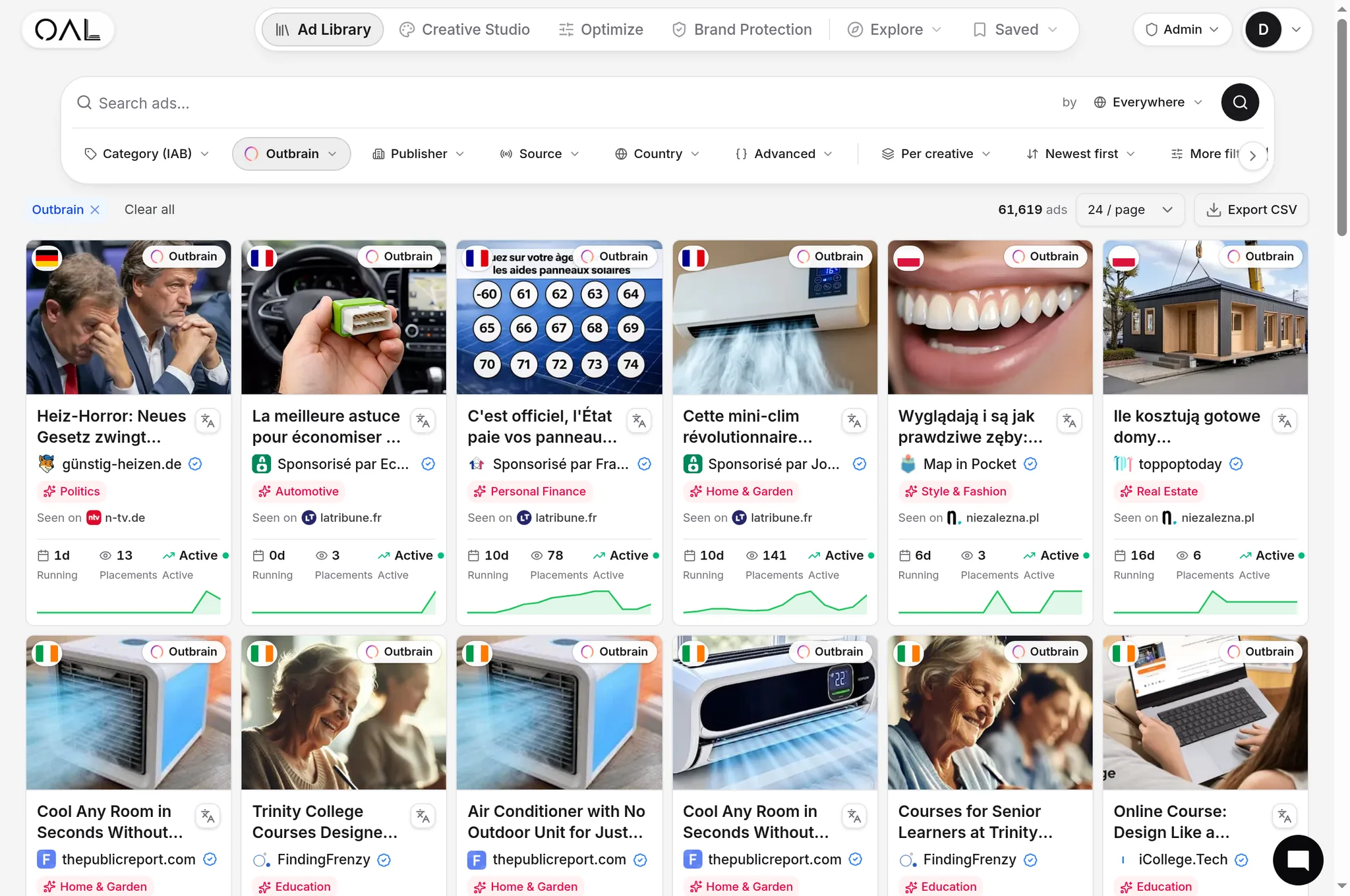
The fastest sanity check before you invest in a full creative production cycle is looking at what has already passed moderation and stayed live in your vertical. A creative style that has survived weeks of live spend clearly cleared moderation and is presumably still profitable, since advertisers do not usually keep funding losing campaigns. OpenAdLibrary's index holds 108,573 live Outbrain creatives as of June 2026, each with the actual approved image and headline plus observed run length, filterable by vertical through /spy/outbrain. Studying a handful of long-running creatives in your category before you brief a design team saves a round or two of rejected submissions, and it is a faster way to learn unwritten vertical norms, like how aggressive a headline claim can get before it draws moderation attention, than reading a generic spec page.
Common spec-related rejections#
- Headlines with excessive punctuation or all-caps words, read by moderation as clickbait formatting regardless of the underlying claim's legitimacy.
- Images with heavy text overlays, which read closer to a display banner than a native thumbnail and draw extra scrutiny.
- Landing pages that do not match the ad's implied promise, the single most common reason a previously-approved creative gets pulled mid-flight after a landing page change.
- Unclear or missing advertorial disclosure on content-styled landing pages, an increasingly active enforcement area independent of any single network's own review.
Creative refresh cadence and why specs alone don't prevent fatigue#
Meeting every spec correctly gets a creative approved, it does not keep it profitable. Native creatives wear out, readers who follow the same publisher sections start recognizing a headline they have already skipped past a dozen times, and click-through rate decays even when nothing about the spec compliance changed. The pattern shows up as a slow, steady CTR decline over one to several weeks rather than a sudden drop, which is what makes it easy to miss if you are only watching cost-per-acquisition on a weekly cadence.
Building two or three headline variants and at least one alternate image into every campaign from day one, rather than waiting for performance to decay before you brief a refresh, keeps a rotation ready before you need it. Treat the spec sheet in this article as the floor for getting a creative live, and treat an ongoing testing cadence as the separate, ongoing discipline that keeps it converting once it is.