Español
 Português (Brasil)
 Français
 Deutsch
 Italiano
 Nederlands
 Polski
 Svenska
 Türkçe
 Русский
 日本語
日本語 한국어
한국어 简体中文
简体中文 Tiếng Việt
 Bahasa Indonesia
 繁體中文
繁體中文 Čeština
 Dansk
Dansk Norsk (bokmål)
 Ελληνικά
 Română
 Magyar
 Українська
 ไทย
ไทย हिन्दी
 العربية
 עברית
עבריתOutbrain Conversion Tracking: Pixel Setup Without the Gotchas
Outbrain conversion tracking is simple to set up and easy to quietly break. Here's pixel vs postback tracking, a step-by-step setup, and the redirect and attribution mistakes that hide real performance.

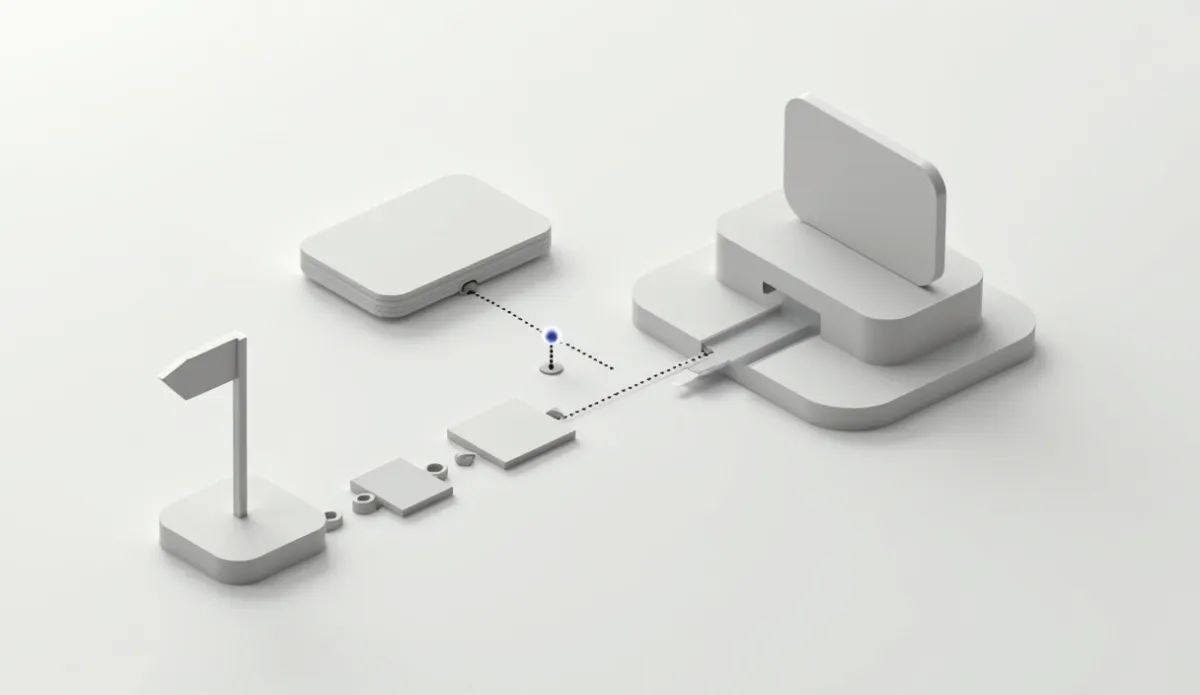
Outbrain conversion tracking works through a pixel placed on your confirmation or thank-you page (or a server-to-server postback for offers where a client-side pixel can't fire reliably), which reports the conversion event back to Outbrain's ad account so you can see cost-per-conversion and optimize bidding against real outcomes instead of clicks alone. The setup itself is simple. The gotchas that trip people up are almost all about timing, event definition, and what happens when your funnel routes through a redirect or a third-party page you don't control, on Outbrain or any other network.
The two ways to track conversions on Outbrain#
Pixel-based tracking is the default path. Outbrain gives you a snippet of JavaScript to place on the page that confirms a conversion happened, typically an order confirmation or lead-form success page. When someone who clicked an Outbrain ad lands on that page, the pixel fires and reports back.
Postback (server-to-server) tracking skips the browser entirely. Instead of a pixel firing in someone's browser, your server (or your affiliate network's server, if you're running an affiliate offer) sends the conversion event directly to Outbrain via a URL call, usually including a click ID that ties the conversion back to the specific ad and placement that generated it. This matters most when the actual conversion happens on a domain you don't control, which is common in affiliate and lead-gen setups where the "sale" completes on an advertiser's or network's page, not yours.
If you're running affiliate offers, postback tracking is usually the more reliable choice, since it doesn't depend on a browser successfully loading and executing JavaScript on a page that might not even be yours. A postback URL tied to a proper click ID is the backbone of accurate attribution in that setup.
Step-by-step pixel setup#
Create the conversion event in your Outbrain account. Define what counts as a conversion (purchase, lead form submit, sign-up) before you touch any code. Vague or overly broad definitions make the resulting data useless later.
Generate the pixel snippet from Outbrain's platform. This is provided per conversion event you define, so if you're tracking multiple funnel stages (add-to-cart and purchase, say) you'll have separate pixels for each.
Place the pixel on the correct page. This has to be the actual confirmation page reached only after a genuine conversion, never a page reachable by simply navigating there directly (which would inflate your numbers with fake conversions from people who never converted).
Verify the pixel fires correctly using Outbrain's own testing tools or a browser network inspector, before you rely on the data for optimization decisions. A silently broken pixel looks identical to a campaign with zero conversions, and advertisers have killed perfectly good campaigns because of this exact failure mode.
Confirm click ID passthrough if you're using a redirect or tracker in the funnel. Every hop between the ad click and the final confirmation page is a place where the click ID can get dropped, which breaks attribution even if the pixel itself fires correctly.
Where tracking breaks: the gotchas#
Redirect chains dropping parameters. If your funnel goes ad click, tracking domain, landing page, offer page, confirmation page, any one of those hops can strip the query parameters carrying your click ID if it's not configured to pass them through. Test the full chain end to end, not just the final pixel fire, whenever you change anything in the funnel. Our redirect chain glossary entry covers the mechanics if this is new to you.
Ad blockers and privacy browsers. A meaningful share of traffic runs some form of tracking prevention, which can suppress pixel fires without any error visible to you. This is one of the strongest arguments for postback tracking over pixel-only setups, since server-to-server calls aren't affected by what happens in someone's browser.
Attribution window mismatches. If Outbrain's reporting window (the time between click and conversion it'll still credit) is shorter than your actual buyer's typical decision time, you'll undercount real performance. Native traffic often converts on a delay since the click starts as content browsing, not a purchase search, so check your attribution window setting against your actual sales cycle rather than leaving it on a default.
Confusing view-through with click-through. Some tracking setups count a conversion if someone merely saw an ad and later converted through an unrelated path, not just if they clicked it. Decide deliberately whether you want view-through attribution counted, since it changes your reported numbers substantially and can make a campaign look better or worse than its actual click-driven performance.
Testing with your own clicks. Clicking your own live ad to "check the pixel" adds a real spend event and, if the pixel fires, a fake conversion that pollutes your data. Use Outbrain's dedicated preview or testing tools instead of clicking a live ad.
Reading the data once it's flowing#
Cost per conversion is the headline number, but check it against volume before acting. A campaign showing an excellent cost-per-conversion on 4 total conversions hasn't told you much yet; wait for a sample large enough that the number would survive a bad week.
Segment by device and by site where your account exposes it. Aggregate conversion rate can hide a mobile campaign that's actually underwater subsidized by a desktop segment that's doing fine, or vice versa. If you're also managing publisher exclusions, conversion data segmented by site is exactly what a whitelist or blacklist decision needs.
Verifying data quality before you trust it#
Before you make a bid or budget decision off conversion numbers, run a basic sanity check: does the conversion count roughly match what your own backend (CRM, order system, affiliate network dashboard) shows for the same date range and source. A gap of a few percent is normal, given timezone differences and processing delays. A gap of 30% or more usually means something in the tracking chain is broken, not that Outbrain's numbers are simply "less accurate."
It also helps to check conversion timing distribution, not just the total count. If your data shows most conversions landing within minutes of the click, but you know from experience that your typical buyer takes days to decide, that's a red flag that something is misattributing conversions, possibly counting sessions that started elsewhere and only touched an Outbrain-served page in passing.
Setting up test conversions safely#
Most platforms, including Outbrain, provide a way to send a test conversion event without it counting against your live campaign data or costing you real spend. Use that path exclusively when validating a new pixel or postback setup. Firing a real click-through test on a live campaign, even once, adds noise you'll have to mentally discount later when the difference between 8 and 9 conversions has an outsized effect on your reported cost-per-conversion.
Document your tracking setup once it's confirmed working: which pixel fires on which URL, what the postback endpoint expects, and what a healthy daily conversion count range looks like. This matters more than it sounds like it should, because tracking setups tend to survive personnel changes badly. The person who configured it moves to a new role, someone else inherits the account, and a silent break can go unnoticed for weeks without documentation to check against.
What good tracking unlocks#
Accurate conversion data is what makes every other optimization decision on this list possible. Publisher-exclusion decisions, CPA targets, and bid adjustments are only as good as the conversion signal feeding them. An advertiser optimizing off broken or partial tracking data is often making confident decisions off numbers that don't reflect reality, which is worse than making no optimization decisions at all, since at least an unoptimized campaign isn't actively being steered in the wrong direction.
How OpenAdLibrary helps#
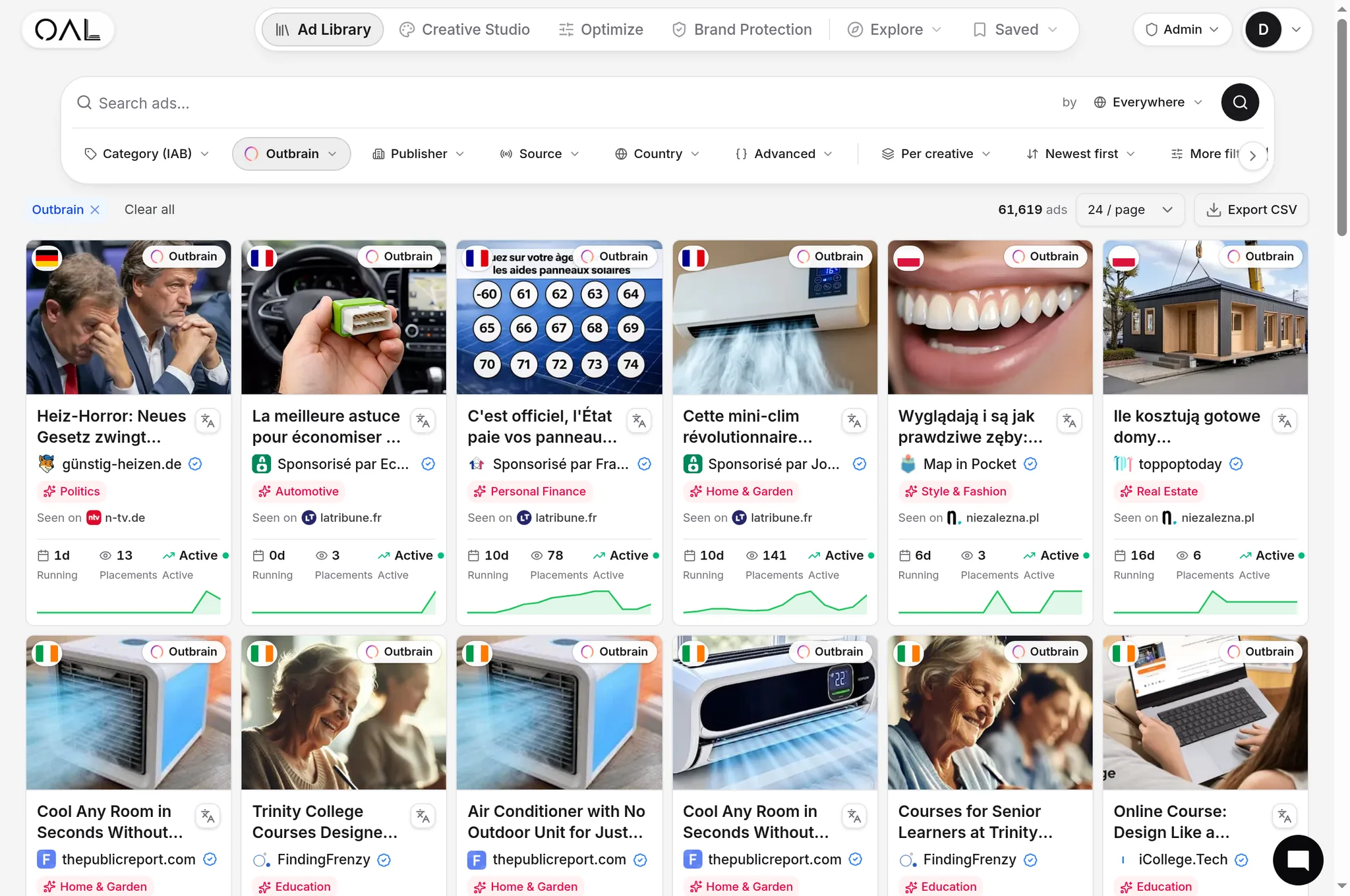
Getting tracking right matters more when you're trying to benchmark your own results against what's plausible in your vertical. OpenAdLibrary's /spy/outbrain tool shows which advertisers are running sustained campaigns right now, which is a useful sanity check: if a creative in your niche has been live for weeks, whoever's running it has working conversion tracking behind it, since nobody keeps spending on a campaign they can't measure. Before you second-guess your creative or your bid strategy, rule out a tracking problem first: it's the most common reason a genuinely fine campaign looks like it's failing.