Español
 Português (Brasil)
 Français
 Deutsch
 Italiano
 Nederlands
 Polski
 Svenska
 Türkçe
 Русский
 日本語
日本語 한국어
한국어 简体中文
简体中文 Tiếng Việt
 Bahasa Indonesia
 繁體中文
繁體中文 Čeština
 Dansk
Dansk Norsk (bokmål)
 Suomi
Suomi Ελληνικά
 Română
 Magyar
 Українська
 ไทย
ไทย हिन्दी
 العربية
 עברית
עבריתServer-Side Tracking: Definition & How It Works
Server-side tracking collects and sends marketing events from a server you control, instead of relying entirely on browser-based scripts.


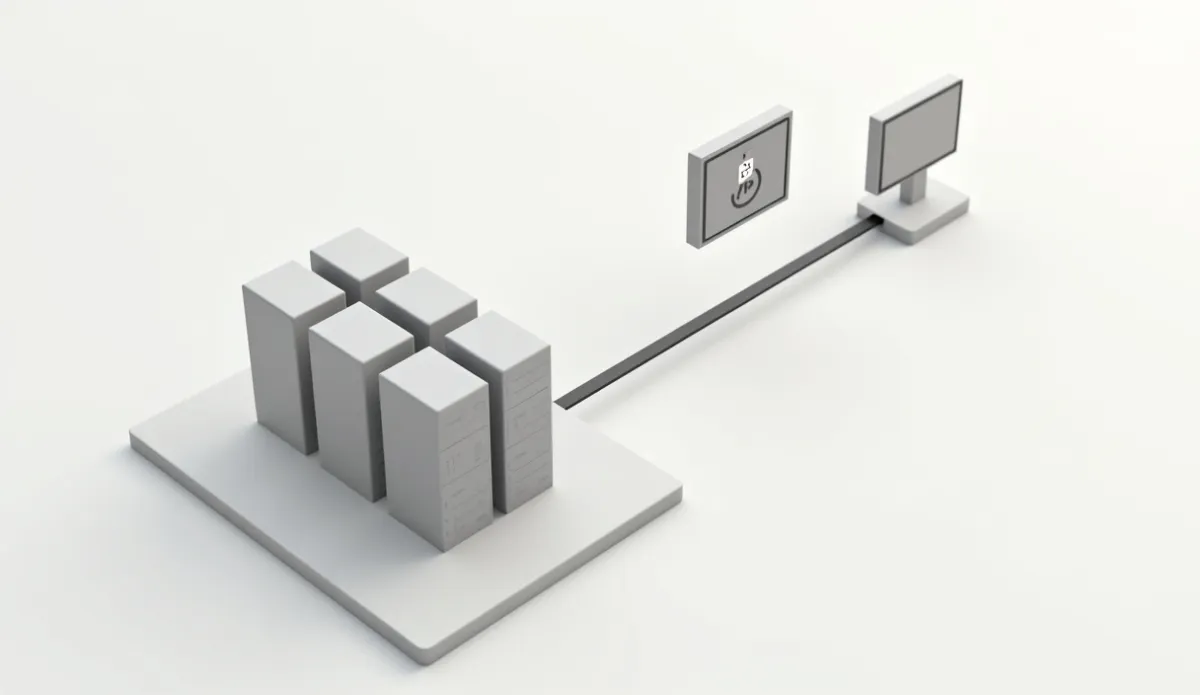
Server-side tracking is the practice of collecting and sending marketing and analytics events from a server you control, rather than relying entirely on scripts running in the customer's browser to fire tags and pixels. Instead of a browser loading a dozen third-party tracking scripts directly, events get captured once by your own backend or a server-side container, then forwarded on to whichever ad platforms and analytics tools need them.
Why it replaced browser-only tracking#
Browser-based tracking pixels and tags depend on the browser actually executing third-party JavaScript, which ad blockers, browser tracking-prevention features, and slow page loads can all interrupt. A server-side setup moves the point of data collection off the browser entirely: your own server records the event when it actually happens, in your checkout system for example, and sends it onward from there, which is far less fragile.
Common implementations#
A first-party tracking domain routes tag requests through your own subdomain instead of a third-party one, so browser-level ad blockers are less likely to flag the traffic. A server-side tag manager container, Google Tag Manager's server-side option is the most common example, gives you a single server endpoint that receives events and fans them out to multiple destinations. Platform-specific event APIs send events directly to one ad network's servers. In affiliate or CPA setups, a postback URL achieves something similar, letting the network's server notify your server, or vice versa, directly when a conversion completes.
What it improves and what it doesn't#
Server-side tracking generally improves completeness of conversion tracking, since events no longer depend on an intact browser session. It can also reduce page load weight, since fewer third-party scripts need to run client-side. It does not, by itself, solve attribution across multiple channels; a well-recorded event still needs a model to decide how much credit each touchpoint deserves. Server-side tracking makes sure the event exists at all. It doesn't decide who gets credit for it.
Setup considerations#
Moving tracking server-side is genuinely more engineering work than dropping a pixel snippet into a page: you need a reliable event pipeline, a way to deduplicate events recorded both client-side and server-side for the same conversion, and ongoing maintenance as each ad platform updates its API. Most teams start with their highest-value conversion event, a completed purchase, and expand from there rather than migrating every tag at once. Consistent click tracking identifiers across every network make that deduplication step far less painful.
Where accurate tracking matters most#
Cleaner conversion data pays off most when you're comparing performance across multiple ad networks with different tracking reliability. A network with weaker native pixel support might look artificially worse in your dashboard purely because of tracking loss, not because the traffic is actually lower quality. Before reallocating budget based on a tracking-affected comparison, check what's actually running and for how long on each network. OpenAdLibrary's ad intelligence platform gives visibility into competitor ad longevity and creative volume by network, an independent signal alongside your own tracking numbers.