Español
 Português (Brasil)
 Français
 Deutsch
 Italiano
 Nederlands
 Polski
 Svenska
 Türkçe
 Русский
 日本語
日本語 한국어
한국어 简体中文
简体中文 Tiếng Việt
 Bahasa Indonesia
 繁體中文
繁體中文 Čeština
 Dansk
Dansk Norsk (bokmål)
 Suomi
Suomi Ελληνικά
 Română
 Magyar
 Українська
 ไทย
ไทย हिन्दी
 العربية
 עברית
עבריתNative Ads Placement Optimization: The Site Blacklisting Workflow
On native networks, the placement report moves CPA more than any bid or creative change. Here are the placement-quality signals that matter and a weekly blacklisting workflow that compounds.


Native ads placement optimization is the practice of measuring campaign performance per publisher site — not per campaign — and systematically moving spend away from sites that produce clicks but never conversions. On native networks, one campaign can serve across hundreds of publisher placements with wildly different traffic quality at the same bid, so the placement report, and the blacklist you build from it, usually moves CPA more than any bid or creative change you will make.
Why placements decide native campaign economics#
When you buy native traffic on Taboola, Outbrain, or MGID, you are not buying one audience. You are buying ad placements scattered across an aggregation of publisher sites — each widget identified by a publisher or site ID in your placement report. A run-of-network campaign treats them as interchangeable. They are not.
A national news site sends you a reader who deliberately finished an article and chose your headline. A slideshow content farm sends you a restless visitor who misclicked between gallery pages. In a broad campaign both clicks can cost roughly the same, and only one of them was ever going to convert.
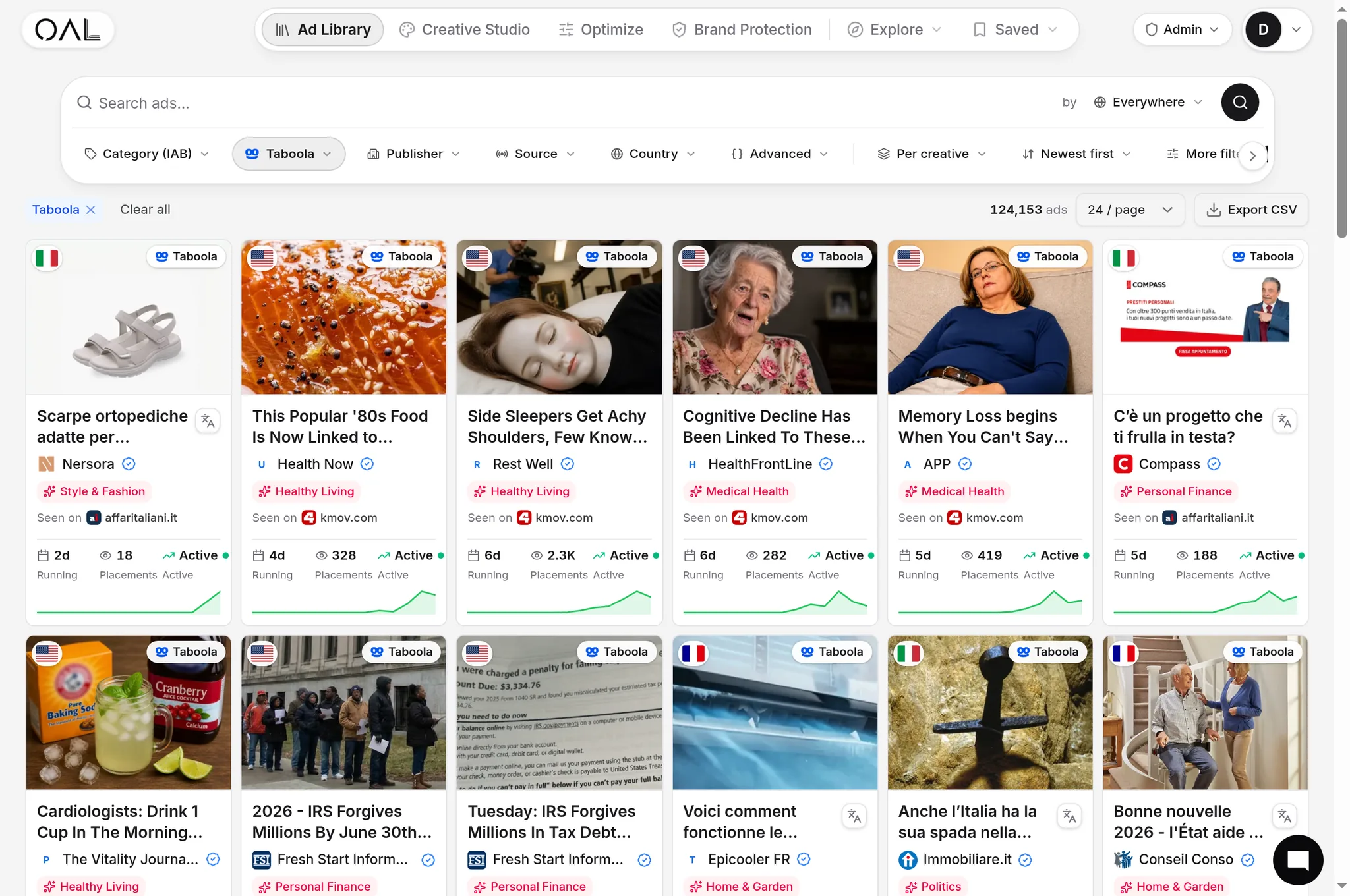
A pattern that shows up constantly across OpenAdLibrary's index — 725,000+ live native creatives and 6.8 million+ ad observations across 49 networks as of June 2026 — is the same creative appearing simultaneously on premium publisher sites and on thin content-farm domains. The advertiser is paying for both. Placement optimization is the discipline of finding out which half of that spend is working and cutting the other half.
The placement-quality signals that matter#
You cannot fix what you measure at the wrong altitude. These are the per-placement signals experienced native buyers watch, roughly in order of importance:
- Spend-weighted conversion performance. Not CTR. A placement's job is conversions per dollar, and high-CTR placements are often the worst offenders — cluttered layouts generate accidental clicks that inflate CTR while converting at zero.
- Click-to-landing drop-off. Compare paid clicks reported by the network against sessions your analytics actually records per placement. A large gap means misclick-heavy inventory: people who never intended to visit close the tab before your page renders.
- Pre-lander engagement. Scroll depth and time on page by placement. Traffic that bounces inside two seconds is not an audience, whatever the CPC.
- Device and geo mix. A placement can be fine on desktop and terrible on mobile, or fine in one country and junk in another. Split before you judge.
- Suspicious uniformity. Bursts of cheap clicks with identical timing patterns and zero downstream events are a click fraud signature. If a placement looks mechanical, treat it as mechanical — our guide to ad fraud in native advertising covers the patterns in detail.
Red flags you can spot before spending a dollar#
Placement reports tell you where money went. Observation data can warn you before it goes:
- Widget-stuffed layouts. Sites running several recommendation widgets plus display units on every page are optimized for accidental clicks, not readers.
- Arbitrage-fed audiences. If a site's own traffic is bought from other ad networks, you are buying a click from someone who was themselves just a click. Some arbitrage inventory converts, but it needs to be priced accordingly, not at premium-site CPCs.
- The advertiser mix on the widget. Look at who else is running on a site. If the widget is wall-to-wall sweepstakes and one-day-churn offers, the buyers with data have already priced that inventory. If established advertisers keep ads running there for weeks, someone's economics are working. You can check any domain with our walkthrough of who is buying ads on a website.
This is where an ad library earns its place in the workflow: OpenAdLibrary lets you browse creatives by publisher context and see how long each advertiser has kept ads running there, using the free native ad spy tool — a placement-quality reference you can consult before the first dollar leaves your account.
A weekly site blacklisting workflow#
Blacklisting works when it is a standing routine, not a panic response. A workflow many native buyers converge on:
- Pull the placement report weekly, same day every week. Consistency matters more than frequency; daily purges chase noise.
- Sort by spend, not clicks. Your risk is concentrated where the money went. The top 20 placements by spend usually cover most of the budget.
- Apply the CPA-multiple rule. A common heuristic: block any placement that has spent two to three times your target CPA with zero conversions. It is not statistically pure, but it caps the worst-case loss per placement at a known number.
- Apply a volume floor before judging the rest. Many buyers wait until a placement has taken roughly a hundred clicks or one target-CPA of spend before drawing any conclusion. Below that, leave it alone.
- Check survivors' click-to-session ratio. A placement converting adequately but leaking 40% of paid clicks before the landing page is a bid-down candidate even if you keep it.
- Block at the right level and keep a ledger. Decide whether a block is campaign-level (this offer) or account-level (this site, always), and log every block with a date and reason. Six months later you will not remember why site 48210 is banned.
- Watch delivery after each purge. Blacklisting shifts spend into the remaining supply. CPCs and volume can move; note it and re-check next week rather than reacting same-day.
The middle ground: bid down before you block#
Blacklisting is binary, but placement quality is not. Most networks support placement-level bid adjustments, and that changes the correct decision for marginal sites. A placement converting at one-and-a-half times your target CPA is not a burner — it is mispriced. Cut its bid 20–30% and it often becomes profitable at its natural price; block it and you lose the volume forever.
A practical three-band rule:
- Producers (at or under target CPA): keep, and consider bidding up once they graduate to a whitelist.
- Marginal (one to two times target CPA): bid down in steps and re-evaluate weekly.
- Burners (two to three times target CPA spent, zero conversions): block outright.
The bands also protect you from over-blocking — the quiet failure mode of aggressive blacklisting. Purge too hard and delivery narrows to a handful of sites, volume collapses, and the network re-prices the remaining supply upward. Bid-downs preserve optionality; blocks do not.
From blacklists to whitelist campaigns#
After three or four purge cycles, a run-of-network campaign converges toward a stable core of producers. That is the moment to invert the logic: build a whitelist campaign containing only your top ten to thirty placements, bid them higher, and let the original campaign keep running wide at a lower bid as a discovery engine that feeds the list.
The split matters because the two campaigns have different jobs. The whitelist prints; the discovery campaign explores. Killing the wide campaign entirely is a common mistake — publisher supply changes constantly as sites join and leave the network, and a whitelist with no feeder slowly starves. This progression is one half of the broader playbook covered in horizontal vs vertical scaling.
Mistakes that make placement optimization backfire#
- Cutting on CTR alone. Low-CTR placements with strong conversion rates are often your most profitable — the clicks are deliberate.
- Judging too early. Blocking a placement after 30 clicks and no conversions on a 2% conversion-rate funnel is coin-flip decision-making.
- Blocking a site when only one device is broken. Split device first; you may be about to throw away a good desktop placement because its mobile twin is junk.
- One-time purges. Inventory shifts weekly. A blacklist built once and never revisited decays into irrelevance while new burners join the network unblocked.
- Ignoring bid interaction. Each purge tightens your supply. If volume drops more than expected, the fix is usually a modest bid adjustment on survivors, not un-blocking bad sites.
- Importing someone else's blacklist wholesale. Placement quality is offer-dependent. A site that burns budget for a finance lead-gen offer can be a solid producer for a mass-market ecommerce product.
Placement optimization is unglamorous, which is exactly why it keeps working: most competitors skip it. Set the weekly review, keep the ledger, graduate winners to whitelists — and read the media buying for native ads guide if you are still setting up the surrounding campaign structure.