Español
 Português (Brasil)
 Français
 Deutsch
 Italiano
 Nederlands
 Polski
 Svenska
 Türkçe
 Русский
 日本語
日本語 한국어
한국어 简体中文
简体中文 Tiếng Việt
 Bahasa Indonesia
 繁體中文
繁體中文 Dansk
Dansk Norsk (bokmål)
 Suomi
Suomi Ελληνικά
 Română
 Magyar
 Українська
 ไทย
ไทย हिन्दी
 العربية
 עברית
עבריתTaboola API Guide: Backstage Endpoints, Auth and Real Uses
Taboola's Backstage API automates everything in your own account — campaigns, creatives, reports. Here is the auth flow, the endpoints that matter, what buyers actually automate, and where to get the competitive data Backstage will never show you.


The Taboola API — officially the Backstage API — is Taboola's REST interface for advertisers. You authenticate with OAuth 2.0 client credentials, then read and write everything you can touch in the Ads Console: campaigns, creative items, targeting, budgets, and performance reports, all under https://backstage.taboola.com/backstage/api/1.0/{account_id}/…. It's the layer media buyers use to automate bid and budget changes, bulk-upload creatives, sync spend into a warehouse, and build the rules engines that Taboola's UI doesn't offer. What it deliberately does not expose is anyone else's data — for the competitive view of the network you need a different API entirely, which we cover at the end.
What the Backstage API covers#
Backstage mirrors the advertiser console almost one-to-one. In practice, four areas do most of the work:
- Campaign management. Create, read, update, and pause campaigns; set CPCs, daily and total budgets, geo/platform targeting, and site blocking. Anything you'd change by hand at 7 a.m. after checking overnight numbers can be a script instead.
- Items (creatives). Each campaign contains items — the image-plus-headline units that actually serve. The API lets you add items in bulk, update their status, and read per-item review state, which is how large accounts ship dozens of creative variants without touching the UI. (If you're still setting up your first campaigns manually, start with our Taboola campaign setup walkthrough — the API assumes you already know the console's concepts.)
- Reporting. Aggregated performance endpoints sliced by dimension — day, campaign, site, country, platform, item — the raw material for any automated optimization.
- Dictionaries. Lookup endpoints for the enumerations everything else depends on: country codes, platforms, audience segments.
Access comes as a client ID and secret issued for your account — historically requested through your Taboola account manager — and the official Backstage reference is the source of truth for current endpoint shapes and access procedures. Endpoint paths below are current as of this writing; verify against the reference before building.
Authentication: client credentials to bearer token#
Backstage uses the standard OAuth 2.0 client-credentials flow. Exchange your ID and secret for a token:
curl -X POST "https://backstage.taboola.com/backstage/oauth/token" \
  -d "client_id=YOUR_CLIENT_ID" \
  -d "client_secret=YOUR_CLIENT_SECRET" \
  -d "grant_type=client_credentials"
The response contains an access_token you send as a bearer header on every call:
curl "https://backstage.taboola.com/backstage/api/1.0/users/current/allowed-accounts" \
  -H "Authorization: Bearer YOUR_TOKEN"
That allowed-accounts call is the right first request: it returns the account_id values (numeric IDs and readable names) that every other endpoint needs in its path. Tokens expire — cache one and refresh on a 401 rather than minting a fresh token per request, both for latency and because token requests are rate-limited more aggressively than data requests.
The endpoints you'll actually use#
| Task | Method and path (under /backstage/api/1.0/) |
|---|---|
| List your accounts | GET users/current/allowed-accounts |
| List campaigns | GET {account_id}/campaigns |
| Create a campaign | POST {account_id}/campaigns |
| Update budget/CPC/status | PUT {account_id}/campaigns/{campaign_id} |
| List a campaign's creatives | GET {account_id}/campaigns/{campaign_id}/items |
| Add a creative | POST {account_id}/campaigns/{campaign_id}/items |
| Performance by dimension | GET {account_id}/reports/campaign-summary/dimensions/{dimension} |
| Per-creative performance | GET {account_id}/reports/top-campaign-content/dimensions/item_breakdown |
The reporting endpoints take start_date and end_date query parameters plus optional filters, and the dimension segment (day, campaign_breakdown, site_breakdown, country_breakdown, platform_breakdown…) decides the slice. site_breakdown is the one that matters most for optimization: it's the per-publisher performance feed that drives block-list automation.
What media buyers actually automate#
The API earns its setup cost in four recurring jobs:
- Rules engines. The classic: every hour, pull
site_breakdownfor active campaigns; any site that has spent more than N× target CPA with zero conversions goes onto the campaign's blocked-sites list via a campaign update. This is the same cut-the-losers loop every serious Taboola advertiser runs manually — encoded, unemotional, and running at 3 a.m. - Bid management. Nudging campaign CPCs (and per-site bid modifiers where available) up on days and geos that beat target, down when CPA drifts — small, frequent, boring adjustments that compound.
- Bulk creative operations. Uploading 30 headline/image variants per campaign, pausing everything below the median CTR weekly, and keeping creative rotation ahead of fatigue without an afternoon of clicking.
- Spend pipelines. A nightly job pulling
campaign-summaryby day into the warehouse, so Taboola spend lands next to conversion revenue and every other channel in one dashboard.
A minimal integration plan#
If you're starting from zero, this sequence gets you to useful automation in roughly a day of work, with each step verifiable before the next:
- Token round-trip. Exchange credentials for a token and call
allowed-accounts. If this works, auth and permissions are solved. - Read-only reporting. Pull
campaign-summaryby day for the last week and reconcile the numbers against the Ads Console. Do not write anything until your reads match what the UI shows. - A single safe mutation. Pause and unpause one test campaign via
PUT. Confirm the change appears in the console and that serving state follows. - The nightly spend sync. Schedule the reporting pull into your database. This alone justifies the integration for most teams.
- The rules engine, in dry-run. Compute the site-block decisions and log what would happen for a week before letting it write. Comparing its choices to the ones you make by hand is the cheapest QA you'll ever run.
Skipping straight to step five is the standard mistake — write-path bugs against a live ad account are expensive lessons.
Rate limits and practical gotchas#
- Respect the ceiling. Backstage enforces per-account rate limits; batch reads (one report call per campaign per hour, not one per minute) and back off on 429s. Check the reference for current limits rather than assuming.
- Reporting lags serving. Recent-hours data settles over time; build rules against data at least a few hours old or you'll pause campaigns on incomplete numbers.
- Edits are not instant. Campaign changes propagate to serving with delay, and item edits can re-trigger review. Automation should tolerate the gap rather than re-issuing "failed" writes.
- Store IDs, not names. Campaign and item names get edited by humans; numeric IDs are stable join keys.
- Guard the write path. A rules engine with a bug can pause an account's entire spend or 10× a bid. Log every mutation, add sanity bounds (never change a bid more than X% per pass), and start any new rule in dry-run mode.
The other Taboola API: competitive data#
Everything above sees exactly one account: yours. Backstage will never tell you which advertisers are scaling in your vertical, what creatives they're running, or how long a competitor's campaign has survived — the network publishes no ad library of its own, and no official endpoint exposes other advertisers' activity.
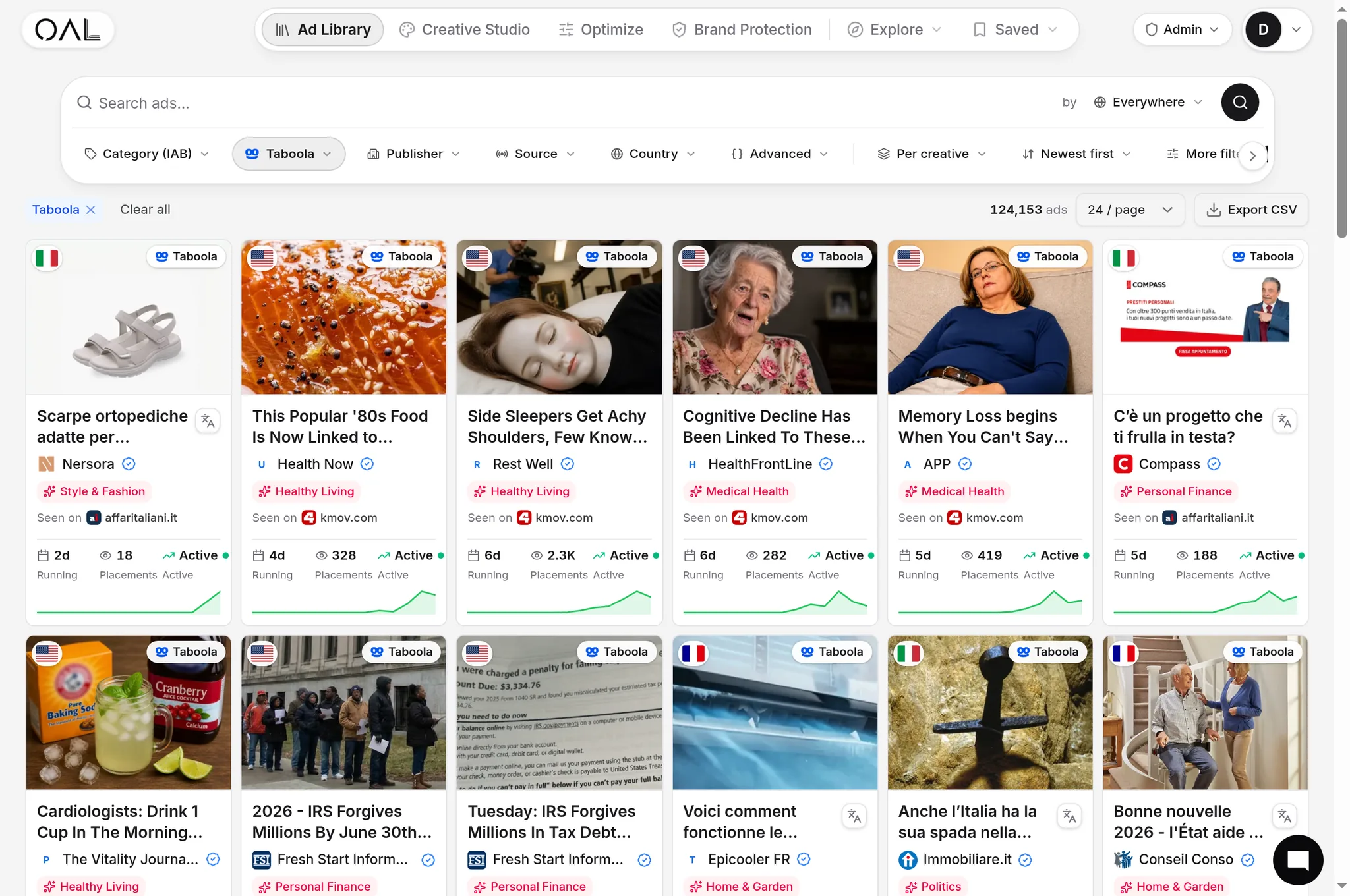
That's the gap OpenAdLibrary's developer API covers. The index holds 206,000+ live Taboola creatives (July 2026) inside a corpus of 725,000+ native ads across 49 networks, and the same data behind the Taboola ad library is queryable over REST: search creatives by advertiser, vertical, geo, and longevity; pull headlines and landing pages; track when competitors launch and kill campaigns. The native ad data API guide documents the endpoints, and if your workflow lives in an LLM agent there's an MCP server that exposes the same corpus as tools for Claude and ChatGPT. A free key covers light use and pricing stays flat for the rest; the broader landscape of programmatic ad-intel access is surveyed in ad spy tools with an API.
The two APIs compose naturally: Backstage automates execution on your account, the intelligence API automates research on everyone else's. The buyers getting the most out of automation run both — a rules engine keeping their own campaigns pruned, and a competitive feed flagging when a new advertiser starts scaling in their vertical so the next test is never chosen blind. Start with the Taboola spy tool to see the competitive corpus in a browser, then take the same queries programmatic when the workflow proves out.