Español
 Português (Brasil)
 Français
 Deutsch
 Italiano
 Nederlands
 Polski
 Svenska
 Türkçe
 Русский
 日本語
日本語 한국어
한국어 简体中文
简体中文 Tiếng Việt
 Bahasa Indonesia
 繁體中文
繁體中文 Čeština
 Dansk
Dansk Norsk (bokmål)
 Suomi
Suomi Ελληνικά
 Română
 Magyar
 Українська
 ไทย
ไทย हिन्दी
 العربية
 עברית
עבריתHow Often to Refresh Ad Creatives: Data-Backed Rotation Schedules
Winners get killed by calendars and zombies survive them. The trigger system that tells you when a creative actually needs replacing, cadences by buying context, and what live native run-duration data shows.

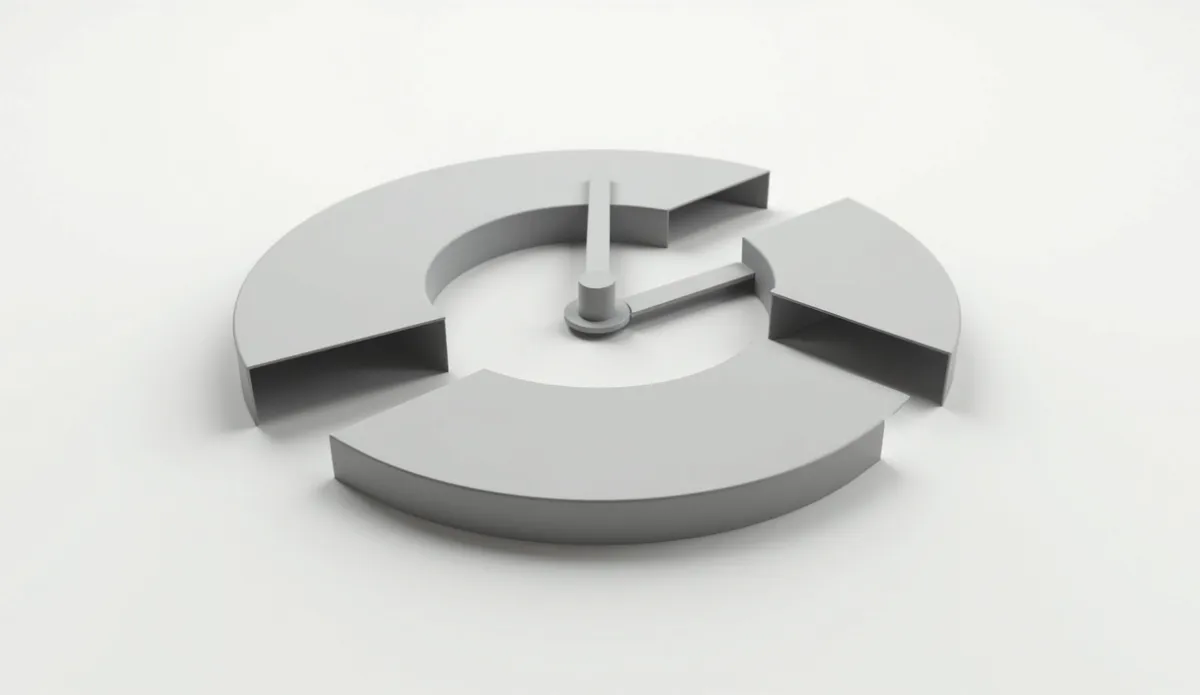
Refresh ad creatives when the data says so, not on a fixed calendar. The rule most buyers converge on: review creative performance weekly, refresh when click-through rate shows a sustained decline from its own baseline — a 20–30% drop is the common working trigger, heuristic rather than law — and leave profitable creatives alone no matter how old they are. As typical cadences go, high-frequency retargeting needs fresh creative every one to two weeks, social prospecting every two to four, native prospecting every two to six, and a genuine native winner can run for months untouched.
The rest of this article covers the trigger system, cadences by buying context, what live native data shows about how long creatives actually last, and how to refresh without destroying the delivery history that makes your winners win.
Triggers beat calendars#
Calendar-only refresh fails in both directions. Refresh too early and you kill compounding winners — the most expensive mistake in creative management, because a proven ad's accumulated engagement history is an asset you cannot buy back. Refresh too late and zombie ads quietly drag the account while their creative fatigue compounds. The fix is a weekly review against a small trigger set:
- CTR decline vs its own baseline. Judge each creative against its own established click-through rate, not the account average. A sustained slide — many buyers use 20–30% below baseline held for a week or more — is the primary trigger. A single bad day is noise.
- Frequency threshold. Where your platform reports it, rising per-user frequency is the leading indicator; CTR decline is the lagging confirmation.
- CPA drift with stable conversion rate. If clickers still convert but each click costs more result, the creative is wearing out at the impression layer.
- Placement concentration. On native, a creative whose delivery is narrowing into fewer widgets with worsening results is fading in auction competitiveness even before topline CTR collapses.
One trigger firing = watch closely. Two = start the refresh. None = leave it alone, whatever its age.
A worked example: a native campaign's lead creative has held a stable CTR for three weeks. In week four, CTR drops 25% and stays there; the placement report shows the same publishers, and cost per lead is up while the landing page's conversion rate is flat. Two triggers, clean diagnosis — impression-layer fatigue. The buyer launches an image swap and a headline swap beside the incumbent that Friday, leaves the incumbent running, and shifts budget the following week when the image swap recovers the old baseline. Total downtime: zero. That is what trigger-based refresh looks like in practice; the calendar's only job was scheduling the weekly look.
Rotation schedules by buying context#
These cadences are what practitioners commonly report — starting points to calibrate against your own trigger data, not official platform guidance:
| Buying context | Common refresh cadence | Why |
|---|---|---|
| Retargeting / small audiences | Every 1–2 weeks | Tiny pools; frequency piles up in days |
| Social prospecting | Every 2–4 weeks | Feed environments re-hit the same users constantly |
| Native prospecting (Taboola, Outbrain, MGID) | Every 2–6 weeks | Open-web placements rotate readership naturally; fatigue builds slowly |
| Evergreen native winner | No schedule — trigger-only | Months-long runs are normal; refreshing an untired winner is pure loss |
| Promo / seasonal creative | Hard end date | The message expires with the event regardless of metrics |
The pattern behind the table: cadence is a function of audience size and placement repetition, not channel fashion. Anything that shows the same ad to the same person often needs fast rotation; anything that spreads exposure across a large rotating readership does not.
What live native data says about creative lifespan#
Refresh folklore is mostly imported from high-frequency social buying. The native data tells a calmer story. OpenAdLibrary's index tracks days-running across 725,000+ native creatives and 6.8 million+ ad observations (July 2026), and long runs are routine among winners: a hearing-aid ad live for 37 days and counting, a garden-product creative at 37, a hair-regrowth ad at 31, a story-style advertorial creative at 35, an app-install ad at 30 — with the longest-running cohort at 38+ days and still live within the current capture window.
Advertisers do not pay for underperforming ads for five straight weeks; a native ad still running after 30+ days is probably profitable. That makes run duration both a research signal and a cadence lesson: the buyers behind the longest-running native ads are not refreshing on anyone's calendar — they are protecting winners and rotating around them. Study what the best-performing native ads have in common and note how much of it is durable, refresh-resistant messaging.
Read the distribution honestly, though: long runners are the survivors, and for every 37-day creative the index also captures waves of ads that appear and vanish within days — failed tests being killed on their triggers. Both halves of the distribution are the system working. The lesson is not "native ads last five weeks"; it is that lifespan is earned per creative, which is exactly why a fixed refresh calendar — too fast for the winners, too slow for the losers — serves neither half.
Refresh without destroying learning#
A refresh done wrong costs more than no refresh. The rules that keep it safe:
- Run challengers beside the champion, never instead of it. Networks' delivery systems rank creatives partly on accumulated engagement history; deleting a proven ad resets an asset you cannot rebuild quickly. The champion keeps running until a challenger beats it on real volume.
- Change one layer at a time. Image first, then headline, then angle — the ladder from hook vs angle vs claim. Swap everything at once and a winning refresh teaches you nothing about why it won.
- Promote on comparable evidence. A challenger earns the champion slot by winning on the metric that matters over comparable volume and placements — not by one lucky day against the champion's noisy week.
- Log every rotation. Date, what changed, why, and the result. A refresh log is the difference between a cadence you can tune and a sequence of hunches.
Build the pipeline that feeds the cadence#
A refresh schedule is only as good as the bench behind it. Two standing habits keep the bench full:
- Weekly swipe research. Track what is newly launched and — more telling — what has survived in your vertical. The Taboola spy page shows live creatives with run duration, so you can separate the angles competitors keep paying for from the tests they abandoned; how to find winning ads covers the full signal set, and these captured Taboola examples show what durable creative looks like in the wild.
- Batch production. Produce refresh candidates in weekly or fortnightly batches against your angle backlog rather than scrambling when a trigger fires. The goal state: every fatigue trigger is answered by a challenger that is already mid-test.
The operating routine, week by week#
Everything above compresses into a routine that takes under an hour a week per account. Once a week, pull per-creative CTR against each creative's own baseline, frequency where available, cost per result, and the placement mix — then mark every creative green (no triggers), amber (one trigger), or red (two or more). Reds get challengers launched beside them from the production batch; ambers get watched; greens get left alone, including the old ones — especially the old ones. Log every rotation with what changed and why. Once a month, step back and review the log against the cadence table: if your reds consistently fire faster than the range for your buying context, the problem is usually audience size or placement concentration, not creative quality — fix the delivery pattern before accelerating production.
Cadence, triggers, pipeline: the calendar tells you when to look, the triggers tell you when to act, and the pipeline makes acting cheap.